
How to Reset Distance to Empty Nissan Rogue
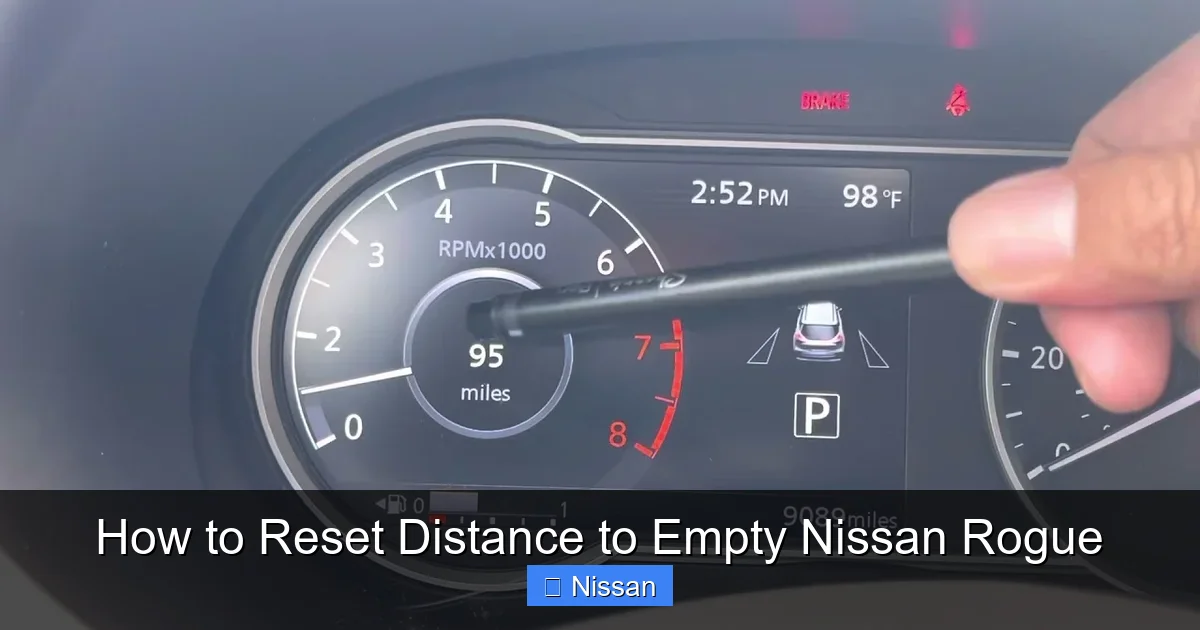
Resetting the Distance to Empty Nissan Rogue display is usually quick and simple once you know where to look. This guide explains the steps, common reasons it may not update, and helpful tips to keep your fuel range reading accurate.
Key Takeaways
- Distance to Empty shows estimated range: It tells you how far your Nissan Rogue may travel based on current fuel use and fuel level.
- It does not always need a true reset: In many cases, the reading updates on its own after refueling or driving for a few minutes.
- Use the trip or display controls: Most Nissan Rogue models let you cycle the information screen or reset related trip data from the steering wheel or dash buttons.
- Fuel habits affect the number: Hard driving, idling, hills, and air conditioning can change the estimate fast.
- Battery disconnects can help in rare cases: If the display glitches, a battery reset may clear the issue, but it should be a last resort.
- Check for sensor or fuel issues if the reading is wrong: A bad fuel sender or dash problem can cause inaccurate Distance to Empty readings.
- Use the reading as a guide only: Always leave a fuel buffer and do not drive until the display hits zero.
📑 Table of Contents
- How to Reset Distance to Empty Nissan Rogue
- What Distance to Empty Means on a Nissan Rogue
- Do You Really Need to Reset Distance to Empty Nissan Rogue?
- How to Reset Distance to Empty Nissan Rogue Step by Step
- Common Reasons the Distance to Empty Reading Looks Wrong
- Tips to Make the Distance to Empty Reading More Useful
- When to Get Help from a Nissan Technician
- Conclusion
How to Reset Distance to Empty Nissan Rogue
If you drive a Nissan Rogue, you have probably checked the Distance to Empty reading more than once. It is a handy little number. It tells you about how many miles you can still drive before you run out of fuel. That can help a lot on long trips or busy days.
But sometimes the number looks off. Maybe you just filled the tank and the display still shows a low range. Or maybe you want to know how to reset Distance to Empty Nissan Rogue after a battery change or a dash glitch. The good news is that this system is usually simple. In many cases, it does not need a manual reset at all. It just needs time to relearn your fuel use.
In this guide, I will walk you through how the system works, how to reset Distance to Empty Nissan Rogue when needed, and what to do if the reading still does not look right. I will also share a few easy tips that can help keep the estimate more useful every day.
What Distance to Empty Means on a Nissan Rogue
A simple fuel estimate
Distance to Empty is not a fixed number. It is an estimate based on your fuel level and your recent driving habits. If you drive gently, the number may go up. If you drive fast, idle a lot, or climb hills, it may go down. That is normal.
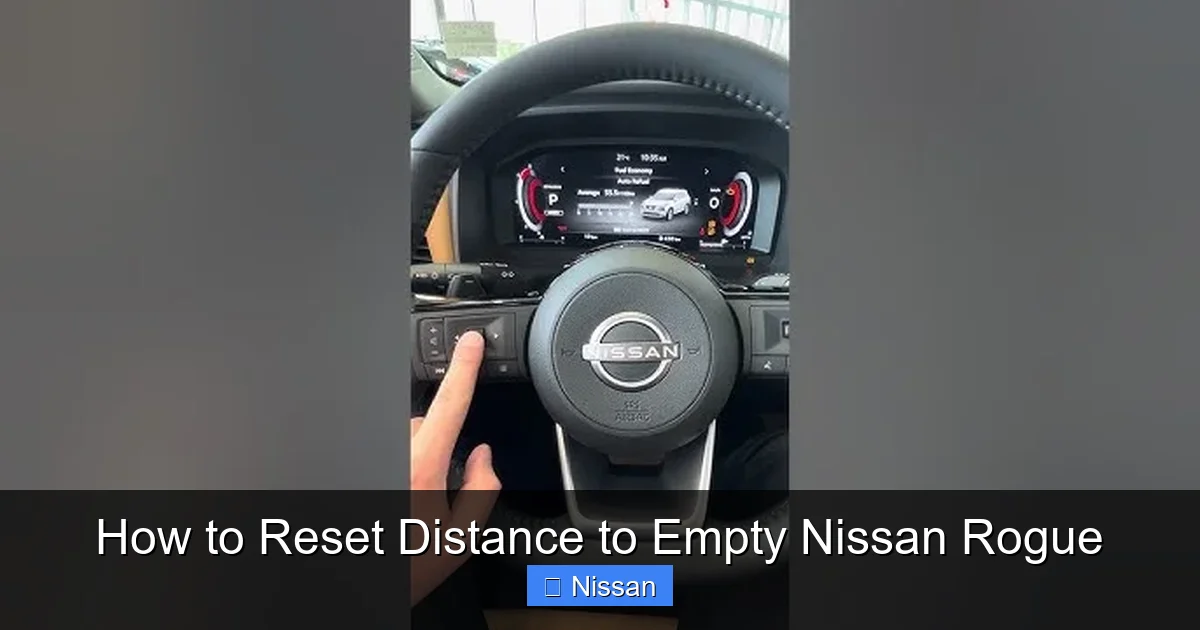
Visual guide about How to Reset Distance to Empty Nissan Rogue
Image source: buzzlyo.com
So when people ask how to reset Distance to Empty Nissan Rogue, the first thing to know is this: the vehicle often updates the reading by itself. It uses fuel data from the car’s computer. That means the display can change after a few minutes of driving.
Why the number changes so much
The estimate can shift for many reasons. Cold weather, stop-and-go traffic, heavy cargo, and air conditioning all affect fuel use. Even the way you refuel can matter. A full tank topped off to the same point may still show a slightly different range than last time.
This is why the Distance to Empty reading should be seen as a guide, not a promise. It helps you plan. It does not guarantee exact miles.
Do You Really Need to Reset Distance to Empty Nissan Rogue?
Most of the time, no
Many Nissan Rogue drivers think there is a special reset button for Distance to Empty. In most cases, there is not. The system refreshes on its own after the car sees new fuel levels and updated driving data. If you just filled the tank, give it a few minutes and a short drive.
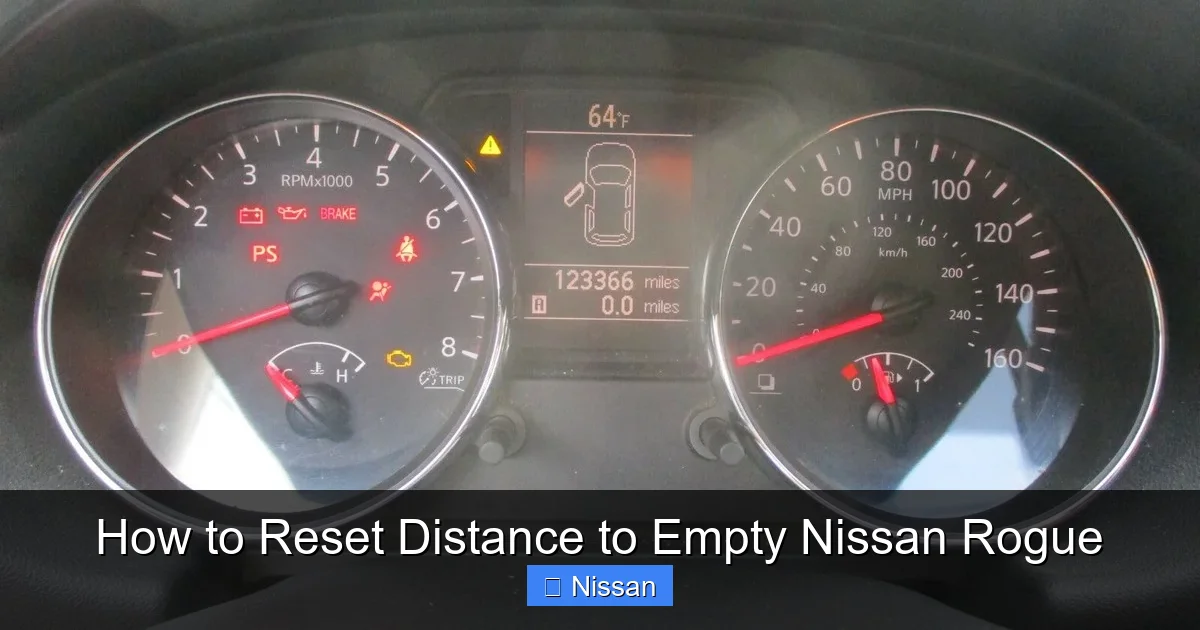
Visual guide about How to Reset Distance to Empty Nissan Rogue
Image source: i.ebayimg.com
If you are trying to reset Distance to Empty Nissan Rogue because the number looks stale, try this first. Turn the car off. Restart it. Then drive normally for a short distance. The estimate often adjusts quickly.
When a reset may help
A reset can help if the display is frozen, blank, or clearly not responding. It may also help after a battery disconnect or dashboard glitch. In that case, you may need to reset related trip data or reboot the display system. That is different from changing the fuel estimate itself.
If you are also dealing with other dash issues, you may find it useful to read about how to reset a car after the battery is disconnected. While it is not for the Rogue, the idea behind a battery-related reset is similar.
How to Reset Distance to Empty Nissan Rogue Step by Step
Step 1: Fill the fuel tank fully
Start with a full tank. The display usually works best when the fuel level is clearly updated. If you only add a little gas, the system may not change much right away.
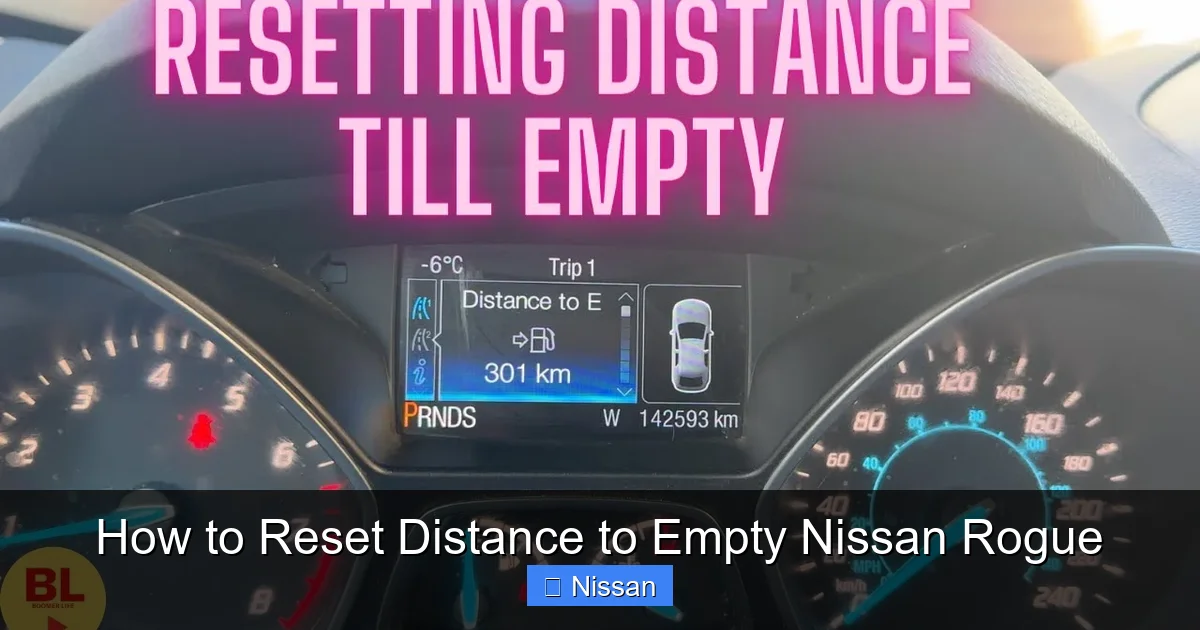
Visual guide about How to Reset Distance to Empty Nissan Rogue
Image source: i.ytimg.com
After refueling, wait a moment. Then turn the ignition off and back on. In many Nissan Rogue models, the reading updates after the system checks the new fuel level.
Step 2: Drive a short distance
Take the Rogue for a short drive. A few miles of normal driving is often enough. The computer uses current fuel use to improve the estimate. If you only sit in the driveway, the number may stay the same.
For example, if your display still shows 20 miles after a fill-up, drive 5 to 10 miles. Then check again. It may jump to a more realistic number.
Step 3: Use the information display controls
Some Rogue models let you scroll through the driver information screen using buttons on the steering wheel. You may see trip data, fuel economy, and Distance to Empty in the display menu. If the screen is stuck on one item, try cycling through the options.
Look for buttons labeled Info, Trip, Menu, or arrows on the steering wheel. The exact layout depends on the model year. If your Rogue has a digital cluster, the layout may be a little different, but the idea is the same.
Step 4: Reset trip data if needed
On some Nissan Rogue trims, resetting trip data can help the system recalculate fuel economy more cleanly. This does not directly reset Distance to Empty Nissan Rogue in every case, but it can help the display refresh.
To do this, use the trip or info controls to find Trip A or Trip B, then hold the reset button until the trip data clears. After that, drive normally for a while. The fuel estimate may become more accurate.
If you like learning this kind of reset process, you may also want to see how to reset the trip meter on a 2022 Toyota Camry. The control style is different, but the idea of clearing trip data is very similar.
Step 5: Restart the vehicle
If the reading still seems wrong, turn the Rogue off, wait a few seconds, and restart it. This simple step can clear a small display glitch. It is one of the easiest things to try before moving on to deeper fixes.
Step 6: Check for a battery-related reset only if needed
If the display is still frozen or clearly inaccurate, a battery disconnect may help. But this should be a last resort. Disconnecting the battery can reset other settings too, such as radio presets and clock settings. It may also trigger warning lights that take time to clear.
If you ever need to deal with a battery reset on another vehicle, a guide like how to reset a Lexus after replacing the battery can show the type of issues that may happen after power loss. The same general caution applies here.
Common Reasons the Distance to Empty Reading Looks Wrong
You just refueled
Right after filling up, the system may take a little time to update. This is very common. Do not panic if the number seems slow to change. Drive a bit and check again.
Your recent driving changed
If you were on the highway and then moved into city traffic, the range can drop fast. The estimate reacts to your driving style. That is why the same fuel tank can show very different numbers on different days.
The fuel sensor is acting up
Sometimes the issue is not the display. It may be the fuel level sensor. If the sender inside the tank is faulty, the car may think there is more or less fuel than there really is. That can make Distance to Empty Nissan Rogue seem wrong all the time.
The dashboard has a software glitch
Modern vehicles rely on software. A minor glitch can freeze the reading or make it slow to update. A restart may fix it. If not, a dealer scan may be needed.
If you have ever dealt with another dashboard warning, such as on a Toyota, you may know that some systems need a simple procedure while others need a deeper fix. For example, drivers often follow a step-by-step process like how to reset the maintenance required light on Toyota when a reminder appears. The Rogue fuel estimate is different, but the same idea applies: know whether you need a real reset or just a refresh.
Tips to Make the Distance to Empty Reading More Useful
Watch your driving habits
The best way to get a better estimate is to drive in a steady way. Smooth acceleration and gentle braking help fuel economy. When your driving is less erratic, the range estimate becomes more stable too.
Do not rely on the last few miles
Always leave some fuel in reserve. The Distance to Empty number is helpful, but it is not perfect. Weather, traffic, and load can change it fast. A good rule is to refuel before the display gets too low.
Use the trip meter as a backup
The trip meter is a great backup tool. If you know how many miles you have driven since your last fill-up, you can compare that with the fuel gauge. That gives you a second check beyond the Distance to Empty screen.
If you want to understand how a similar display function works in another model, check out how to reset the maintenance light on a Toyota Highlander. It is not the same feature, but it shows how vehicle screens and reminders often work together.
Refuel the same way each time
Try to fill the tank in a consistent way. Stop when the pump clicks off. Do not keep topping off too much. Consistency helps the computer get a cleaner fuel reading.
When to Get Help from a Nissan Technician
Signs the issue is more than a simple reset
If you reset Distance to Empty Nissan Rogue and the display still does not change, there may be a deeper problem. Watch for signs like a fuel gauge that moves oddly, a blank information screen, or other warning lights on the dash.
If the range stays stuck for days, or if it changes in a way that makes no sense, it is smart to have the car checked. A technician can test the fuel sender, wiring, and dashboard system.
What a dealer can do
A Nissan dealer or good repair shop can scan the vehicle for stored faults. They can also update software if needed. In some cases, the problem is small and easy to fix once the right code is found.
Do not ignore a bad fuel reading for too long. Even though Distance to Empty is only an estimate, a faulty system can make trip planning harder than it should be.
Conclusion
Learning how to reset Distance to Empty Nissan Rogue is mostly about knowing what the system does and when it really needs help. In many cases, there is no true reset button. The display updates on its own after refueling, restarting the car, or driving for a short time.
If the reading seems wrong, start with the simple steps first. Fill the tank, restart the vehicle, and drive a bit. Then check the trip and info display controls. If the number still does not improve, the issue may be a sensor problem or a software glitch.
The good news is that this is usually not a serious repair. Most of the time, the system just needs a little time to refresh. Use the reading as a guide, keep a fuel buffer, and your Nissan Rogue will stay easy to plan around.
Frequently Asked Questions
How do I reset Distance to Empty Nissan Rogue?
In most Nissan Rogue models, there is no special manual reset for Distance to Empty. The reading usually updates after refueling, restarting the vehicle, and driving a short distance.
Why does my Nissan Rogue still show low miles after filling up?
The system may need time to recalculate based on the new fuel level and your recent driving style. If it still does not change after a few miles, try restarting the vehicle or checking the info display.
Can I clear Distance to Empty by disconnecting the battery?
Sometimes a battery disconnect can clear a display glitch, but it should be a last resort. It may also reset other settings and cause warning lights to appear temporarily.
Does Distance to Empty mean exact miles left?
No, it is only an estimate. It changes based on fuel level, driving habits, traffic, weather, and load.
What if the Distance to Empty number is frozen?
Try turning the car off and back on first. If that does not work, cycle the display controls or have the system checked for a software or sensor issue.
When should I see a mechanic about this problem?
If the reading stays wrong for several days, or if the fuel gauge and display do not match, it is time to get it checked. A technician can test the fuel sender and the dashboard system.


