Car Aux Cable
A Car Aux Cable is a simple, reliable way to connect your phone or MP3 player to your car stereo for high‑quality audio. This guide covers cable types, how to choose the right one, installation tips, and how it stacks up against wireless options.
If you’ve ever wanted to play your favorite playlist through your car speakers without fumbling with Bluetooth settings, a Car Aux Cable is the answer. This humble accessory has been a staple in cars for over a decade, offering a direct line from your phone, tablet, or MP3 player to the stereo system. In this article we’ll walk you through what a Car Aux Cable is, the different types available, why you might prefer it over wireless solutions, and how to pick, install, and maintain one for the best listening experience.
Even though many new vehicles now come equipped with Bluetooth or USB ports, a large number of cars on the road still rely on the classic 3.5mm auxiliary input. Knowing how to use a Car Aux Cable correctly can save you frustration, improve audio fidelity, and keep your music flowing on long drives. Let’s dive in.
Key Takeaways
- Universal compatibility: Most Car Aux Cable options work with any device that has a 3.5mm headphone jack.
- Superior sound quality: A wired connection delivers clearer, loss‑free audio compared to many wireless adapters.
- Various lengths and builds: Choose from short, coiled, or long cables with reinforced shielding to reduce interference.
- Easy installation: Plug one end into your device and the other into the aux input of your stereo – no tools needed.
- Cost‑effective: A good Car Aux Cable is inexpensive and lasts for years with proper care.
- Ideal for older stereos: If your car lacks Bluetooth or USB, an aux cable is the simplest upgrade.
📑 Table of Contents
Understanding the Car Aux Cable
A Car Aux Cable is simply a stereo audio cable with two 3.5mm (1/8 inch) male connectors on each end. One end plugs into the headphone jack of your portable device, while the other end inserts into the auxiliary input jack on your car’s head unit. The cable carries left and right audio channels, delivering stereo sound without any compression or latency.
How It Works
When you play music on your phone, the electrical signal travels through the copper wires inside the Car Aux Cable to the stereo’s amplifier. The amplifier then boosts the signal and sends it to the speakers. Because the connection is analog and direct, there is virtually no delay, and the audio quality depends mainly on the cable’s shielding and the quality of your device’s headphone output.
Why It Remains Popular
Despite the rise of wireless tech, many drivers still prefer a Car Aux Cable for its reliability. There’s no pairing process, no battery drain on your phone, and no risk of interference from other wireless devices. Plus, if your car stereo lacks modern inputs, the aux port is often the only way to get external audio into the system.
Types and Variants of Car Aux Cables
Not all Car Aux Cable options are created equal. Understanding the differences helps you pick the right one for your vehicle and listening habits.
Visual guide about Car Aux Cable
Image source: m.media-amazon.com
Standard 3.5mm Stereo Cable
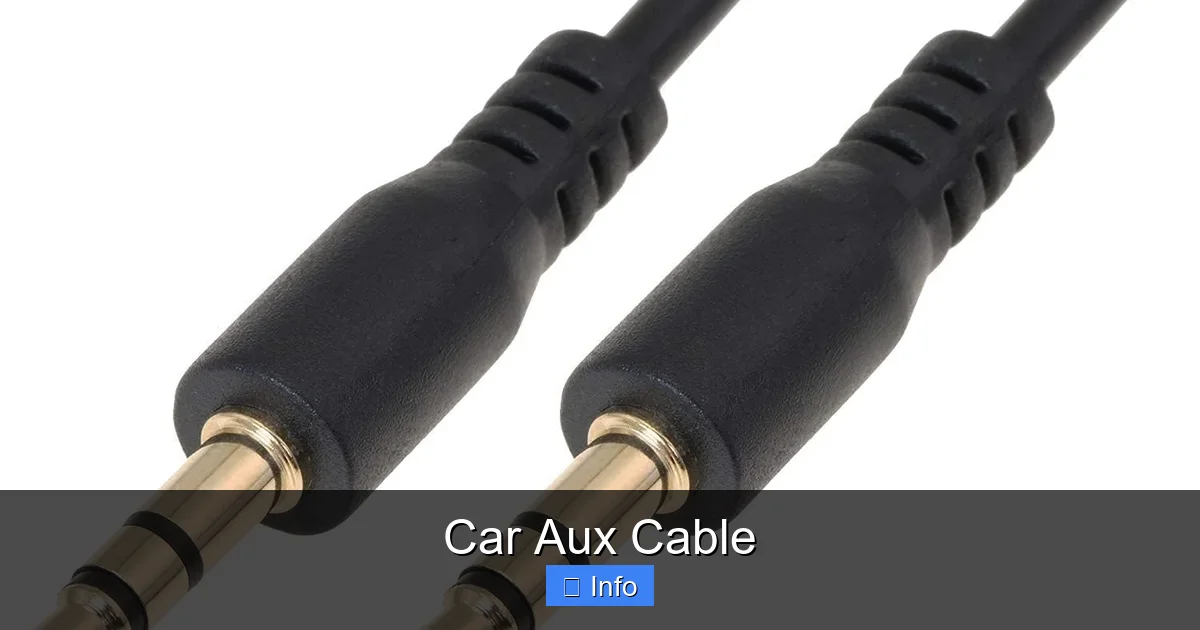
The most common type features two 3.5mm male connectors and a flexible PVC or TPE jacket. Lengths typically range from 3 feet to 10 feet. This version works with virtually any smartphone, tablet, laptop, or MP3 player that has a headphone jack.
Coiled or Retractable Designs
Coiled Car Aux Cable options stretch out when needed and retract to keep the cabin tidy. They are ideal if you frequently move your device between the dash and the passenger seat. The coiled design also reduces strain on the connectors.
Right‑Angle Connectors
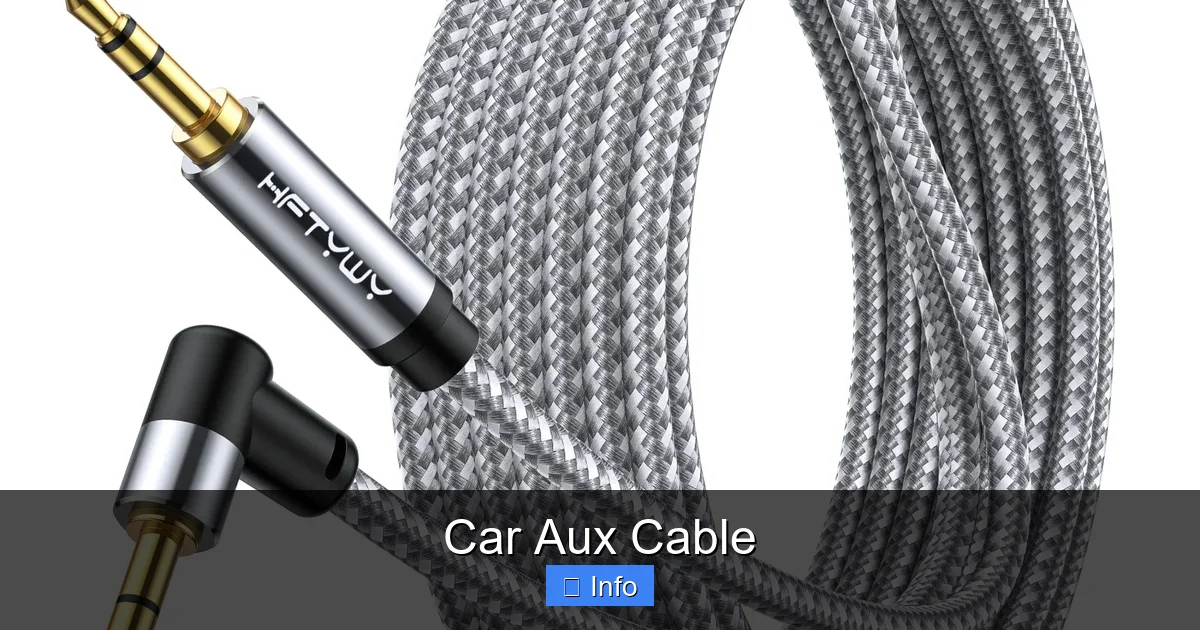
Some cables sport a right‑angle (90‑degree) plug on one or both ends. This makes it easier to plug into tight spaces, such as a recessed aux port on a dashboard, without putting stress on the cable.
Shielded and Braided Versions
For environments with lots of electrical interference (think engines, alternators, or aftermarket amplifiers), a shielded Car Aux Cable with foil or braided shielding can reduce buzz or hum. Braided nylon jackets add durability and resist tangling.
Adapters and Specialty Cables
If your device lacks a 3.5mm jack (many newer phones), you’ll need a Lightning‑to‑3.5mm or USB‑C‑to‑3.5mm adapter attached to a standard Car Aux Cable. Likewise, some cables feature RCA connectors on the stereo end for older head units that use red/white inputs instead of a single aux jack.
Benefits of Using a Car Aux Cable
Choosing a wired connection offers several tangible advantages over wireless alternatives.
Visual guide about Car Aux Cable
Image source: m.media-amazon.com
Consistent Audio Quality
A Car Aux Cable transmits an analog signal directly, which means there’s no compression, no bitrate loss, and no latency. You hear the music exactly as it was encoded on your device, assuming the source file is high quality.
Zero Pairing Hassles
With Bluetooth, you need to pair devices, sometimes re‑pair after a software update, and deal with occasional dropouts. A Car Aux Cable works instantly the moment you plug it in – no menus, no PINs, no waiting.
No Battery Drain on Your Phone
Streaming audio over Bluetooth uses extra power, which can noticeably drain your phone’s battery on long trips. A wired connection draws virtually no power from the device, letting you listen longer without worrying about charging.
Universal Compatibility
Almost every car stereo manufactured after the early 2000s includes a 3.5mm aux input. Likewise, virtually every portable audio device either has a headphone jack or can be adapted to one. This universality makes a Car Aux Cable a fail‑safe option.
Low Cost and Longevity
A decent Car Aux Cable costs between $5 and $15, yet can last several years if you avoid sharp bends and keep the connectors clean. Compared to a Bluetooth adapter that may need firmware updates or replacement, the wired option is a budget‑friendly investment.
How to Select the Perfect Car Aux Cable
Picking the right cable involves more than grabbing the cheapest option on the shelf. Consider these factors to ensure durability and optimal sound.
Visual guide about Car Aux Cable
Image source: thumbs.dreamstime.com
Length Matters
Measure the distance from where you’ll keep your device (cup holder, dash mount, passenger seat) to the aux port on your stereo. A cable that’s too short will tug on the connectors; one that’s too long can create clutter and increase the chance of picking up interference. For most setups, a 4‑foot or 6‑foot Car Aux Cable strikes a good balance.
Connector Quality
Look for gold‑plated tips on the 3.5mm plugs. Gold resists corrosion and provides a smoother connection, which can help maintain signal integrity over time. Also, check that the connectors fit snugly – loose plugs cause intermittent sound or static.
Shielding and Jacket Material
If you drive a vehicle with a powerful alternator or have aftermarket amplifiers, opt for a shielded Car Aux Cable. Foil shielding combined with a braided outer jacket reduces electromagnetic interference. A TPE or nylon braided jacket adds flexibility and resists wear better than plain PVC.
Right‑Angle vs Straight Plugs
If your aux port is recessed or located near a tight corner, a right‑angle plug can prevent the cable from bending sharply at the entry point, reducing strain. Some users prefer straight plugs for easier removal, so choose based on your dashboard layout.
Brand Reputation and Warranty
Stick with reputable audio accessory brands that offer at least a one‑year warranty. While no‑name cables might work initially, they often use thinner conductors that break internally after a few months of flexing.
Where to Buy and What to Avoid
Avoid ultra‑cheap cables sold in dollar stores; they frequently lack shielding and have flimsy connectors. Instead, shop at electronics retailers, automotive accessories shops, or trusted online marketplaces. Reading recent user reviews can reveal common issues like intermittent crackling or premature connector failure.
Installation, Usage, and Maintenance Tips
Getting the most out of your Car Aux Cable is simple, but a few best practices can extend its life and improve performance.
Making the Connection
1. Turn down the volume on both your device and the car stereo to avoid a sudden blast of sound.
2. Insert the device end of the Car Aux Cable firmly into the headphone jack.
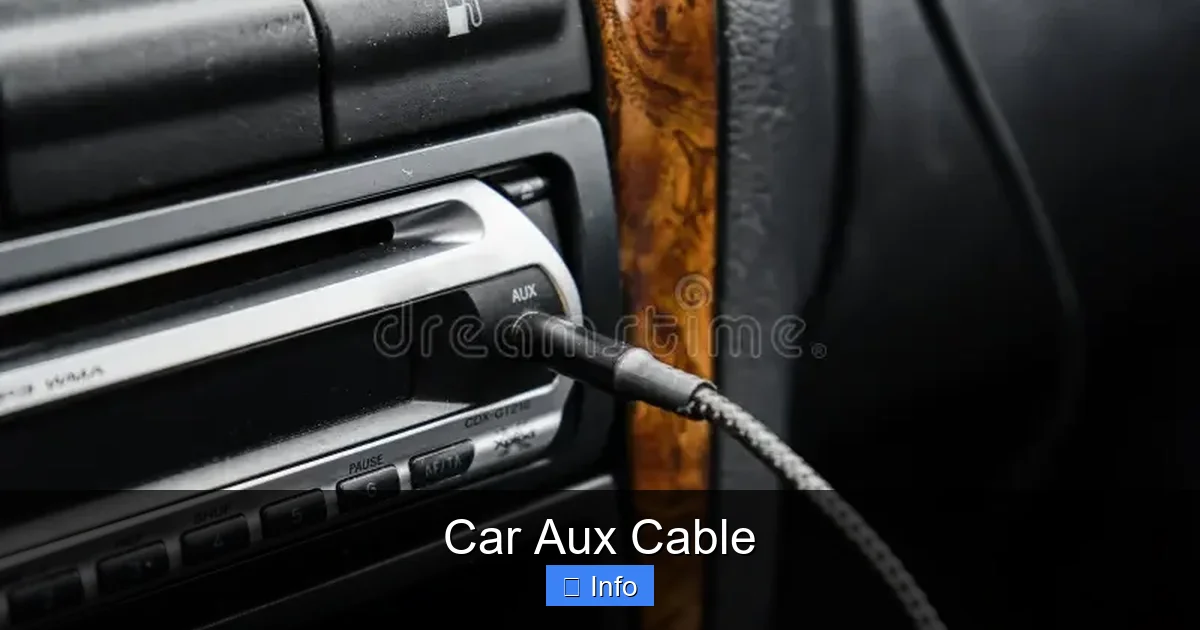
3. Plug the stereo end into the aux input port – you should feel a slight click.
4. Gradually raise the volume on your device, then adjust the stereo’s volume to your preferred level.
Routing the Cable
Run the cable along existing harnesses or use adhesive clips to keep it away from moving parts like the gear shifter or pedals. If you have a coil‑type Car Aux Cable, let it retract naturally when not in use to avoid kinks.
Keeping Connectors Clean
Over time, lint and oxidation can accumulate on the metal tips. Periodically wipe the plugs with a dry cloth or a cotton swab lightly dipped in isopropyl alcohol. Allow them to dry completely before reconnecting.
Avoiding Sharp Bends
Repeatedly bending the cable at a 90‑degree angle near the connectors can break the internal wires. When storing, loop the cable loosely rather than wrapping it tightly around a small object.
Using with Adapters
If you need a Lightning‑to‑3.5mm or USB‑C‑to‑3.5mm adapter, choose a high‑quality version from the device manufacturer or a certified third‑party brand. Cheap adapters can introduce noise or fail to pass the full audio signal.
Troubleshooting Common Issues and Wireless Alternatives
Even the best Car Aux Cable can encounter problems. Knowing how to diagnose them saves time and frustration.
No Sound or Very Low Volume
First, verify that both ends are fully inserted. Next, check the volume levels on your device and stereo. Try the cable with another device (like a laptop) to see if the issue follows the cable or stays with the original source. If sound returns with a different device, the problem may be your phone’s headphone jack or its volume limiter.
Static, Buzzing, or Humming
Interference often stems from poor shielding or a ground loop. Try moving the cable away from power cables, the alternator, or aftermarket amplifiers. If the noise persists, consider upgrading to a shielded Car Aux Cable with ferrite cores near the connectors.
Intermittent Cut‑Outs
This usually indicates a loose connection or a broken wire inside the cable. Wiggle the cable gently near each end while audio is playing; if the sound cuts in and out, the cable is likely damaged and should be replaced.
Comparing to Wireless Options
Many drivers wonder whether a Bluetooth FM transmitter or a Bluetooth aux adapter is better than a Car Aux Cable. Here’s a quick breakdown:
- Bluetooth FM Transmitter: Sends audio over an FM frequency, which can suffer from static, limited range, and lower sound quality. Useful only if your stereo lacks an aux or USB port.
- Bluetooth Aux Adapter: Plugs into the aux input and receives audio wirelessly. Convenient, but adds a battery‑powered component that can introduce latency and occasional dropouts.
- Car Aux Cable: Provides a direct, loss‑free connection with zero latency and no extra power draw. Ideal for audiophiles and anyone who values reliability.
If your car stereo has a functioning aux port, a Car Aux Cable remains the simplest and most effective way to enjoy your music. Reserve wireless adapters for situations where running a cable is impractical or when you need to connect multiple devices simultaneously.
Conclusion
A Car Aux Cable might seem like a relic in the age of Bluetooth and streaming, but its strengths – pure audio quality, effortless setup, and universal compatibility – keep it relevant for millions of drivers. By understanding the different types, selecting a well‑shielded, appropriately sized cable, and following basic installation and care tips, you can enjoy crisp, uninterrupted sound on every journey.
Next time you gear up for a road trip, remember that the humble Car Aux Cable is still one of the best tools for turning your car into a personal concert hall. Plug in, press play, and let the music drive you forward.
Frequently Asked Questions
What is the ideal length for a Car Aux Cable in most vehicles?
A length of 4 to 6 feet works well for the majority of setups, giving you enough slack to reach the aux port without creating excess clutter.
Can I use a Car Aux Cable with a phone that lacks a headphone jack?
Yes, you’ll need a Lightning‑to‑3.5mm (iPhone) or USB‑C‑to‑3.5mm (Android) adapter attached to a standard Car Aux Cable to make the connection.
Will a longer Car Aux Cable degrade audio quality?
Only if the cable is poorly shielded or excessively long (over 15 feet). For typical car lengths, quality remains unchanged.
How do I know if my Car Aux Cable is shielded?
Look for product descriptions mentioning “foil shielding,” “braided shielding,” or “ferrite cores.” You can also feel the jacket – shielded cables often feel slightly thicker and more robust.
Is it safe to leave a Car Aux Cable plugged in when the car is off?
Leaving it plugged in poses no risk to the cable or stereo. However, removing it when not in use helps prevent accidental pulls that could damage the port.
Can a Car Aux Cable work with a car stereo that only has RCA inputs?
Yes, you can use a 3.5mm to dual‑RCA adapter cable, which splits the stereo aux signal into left and right RCA plugs for older head units.