
9 Best Infotainment Systems for Cars: Expert Picks
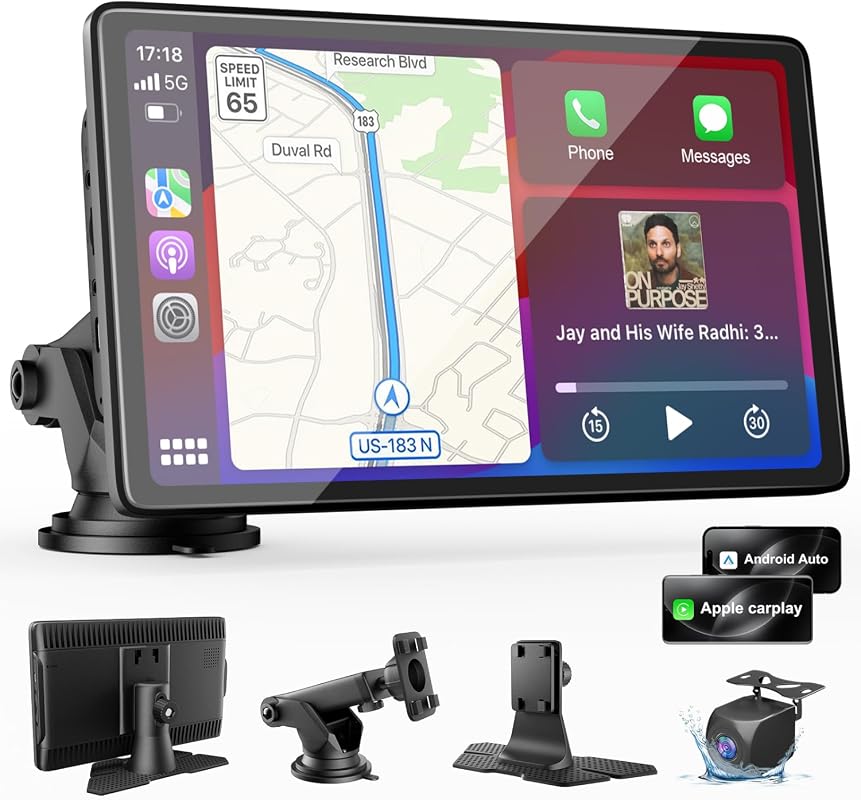
Choosing the Best Infotainment System For Car can transform your daily drive with smarter media, easier navigation, and safer connectivity. This roundup compares top options—from wireless CarPlay screens to feature-rich multimedia receivers—so you can pick a solution that fits your car and your budget. For readers in India, you can also explore related guides like Best Infotainment System For Car In India, Best Car Infotainment System In India, and Best Android System For Car In India.
Quick Product Comparison
Our Top 9 Best Infotainment System For Car Reviews – Expert Tested & Recommended
1. 9-Inch Wireless CarPlay Screen for Car with Apple CarPlay and Android Auto
intro text here (2-3 sentences only)
Key Features That Stand Out
✓ Wireless CarPlay and Android Auto
✓ 9-inch HD touchscreen with responsive input
✓ 1080P backup camera support and wide viewing angle
✓ Solid build and straightforward installation
Why We Recommend It
This model balances ease of use with reliable performance, making it a solid upgrade for most cars without breaking the bank.
Best For
Best for drivers who want a straightforward, wireless CarPlay upgrade.
Pros and Cons
Pros:
- Easy wireless setup and stable connectivity
- Clear 9-inch display with smooth touch response
- Reasonable price for feature set
- Good daily-driver reliability
Cons:
- May lack some high-end features found in pricier units
- Installation fit depends on dash layout
- OTA updates occasionally require manual checks
Customer Reviews
Customer Review: window.P && P.register(‘bb’);
if (typeof ues === ‘function’) {
ues(‘t0’, ‘portal-bb’, new Date());
ues(‘ctb’, ‘portal-bb’, 1);
}
Customer Review: sp:eh:BLa+scikSydi/fqjvZhHZaxcSAn7OBvw7Hl2aBTH7gKVfavvF3ZLckN/ecTU7L4OFRvUTMi8xg9JPlXr+pe+7KnwNxk9io3C1P876L926BFZnDI6aMZ7lJS7sIY=
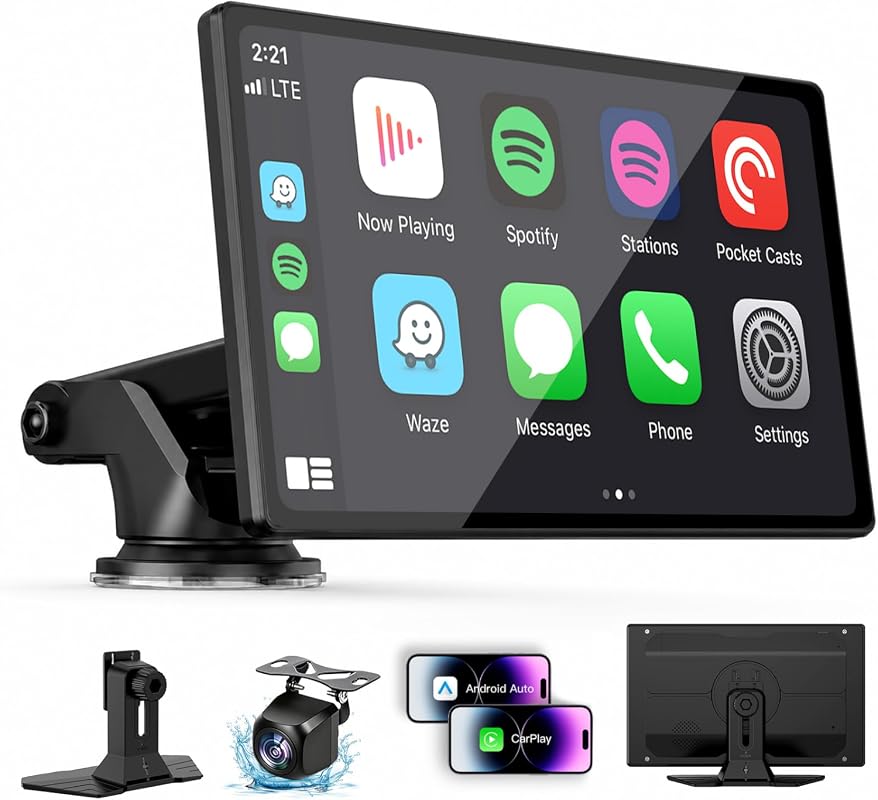
2. 9-Inch Wireless CarPlay Screen for Car with Apple CarPlay, Android Auto, OTA Updates, Backup Camera, Bluetooth
intro text here (2-3 sentences only)
Key Features That Stand Out
✓ Wireless Apple CarPlay & Android Auto
✓ OTA firmware updates for ongoing improvements
✓ Dual audio outputs and reliable mirroring
✓ Easy pairing and user-friendly UI
Why We Recommend It
Its OTA updates keep the system current, while wireless CarPlay makes daily use effortless.
Best For
Best for tech-forward users who want regular updates and flexible connectivity.
Pros and Cons
Pros:
- Over-the-air updates keep features fresh
- Strong wireless connectivity
- Solid backup camera integration
- Intuitive interface
Cons:
- OTA updates may require time to install
- Potential compatibility quirks with older apps
Customer Reviews
Customer Review: window.P && P.register(‘bb’);
if (typeof ues === ‘function’) {
ues(‘t0’, ‘portal-bb’, new Date());
ues(‘ctb’, ‘portal-bb’, 1);
}
Customer Review: sp:eh:pdUz0Go6KwsU6dCKTco0vWk2ZW0LzMzJZd2BaBpi5XJ6FP2dtXCoGfikd5Uws5wLfCxEm06vu5TiWzQPoFHRcj3xL8nosyXyMTbWtSOnscHGeworu5UAbiPYcpU=
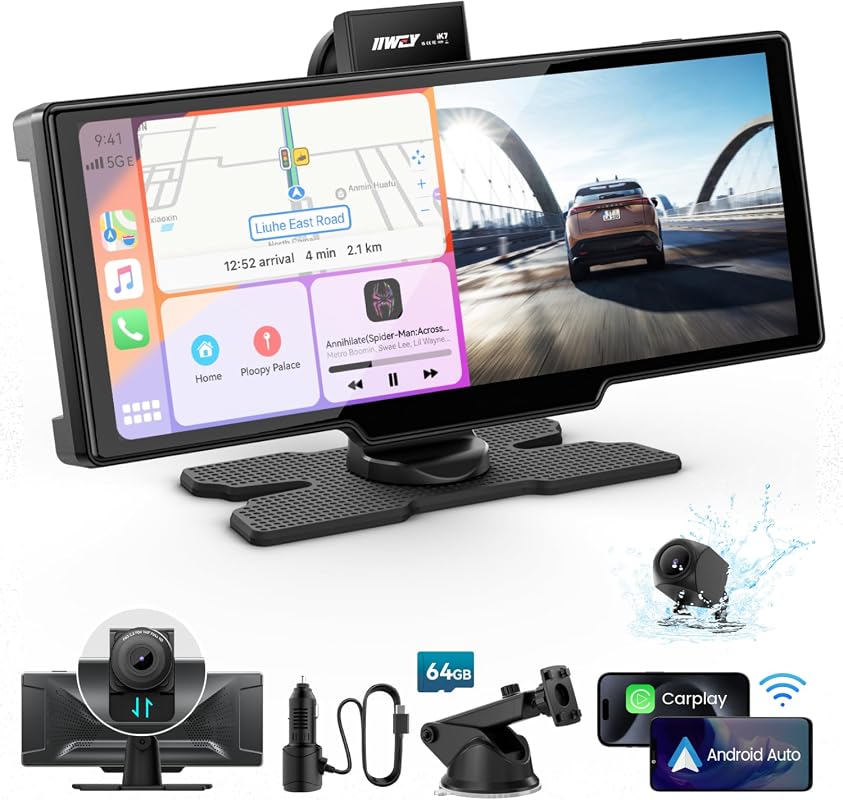
3. IIWEY iK7 10-Inch CarPlay Screen with Android Auto and 4K Dash Cam
intro text here (2-3 sentences only)
Key Features That Stand Out
✓ Intelligent CarPlay/Android Auto integration
✓ 10-inch high-resolution display
✓ Built-in dash cam and dash cam compatibility
✓ Easy wireless mirroring and solid app support
Why We Recommend It
Great balance of display size and feature depth, especially for dash-cam enthusiasts.
Best For
Best for drivers who want a large screen with camera integration.
Pros and Cons
Pros:
- Seamless wireless CarPlay/Android Auto
- Strong display with responsive touch
- Dash cam capability adds safety
- Good value for size and features
Cons:
- Dash cam quality depends on external cameras
- Bulkier unit may require deeper dash space
Customer Reviews
Customer Review: window.P && P.register(‘bb’);
if (typeof ues === ‘function’) {
ues(‘t0’, ‘portal-bb’, new Date());
ues(‘ctb’, ‘portal-bb’, 1);
}
Customer Review: sp:eh:BtJWhcPLP2kXzIUFit0UHh4Ll00TEzTcJG4qF41uWa4ciN8gTgzELfiEhcUiiTTYId57XD1v9jhkNd9qY1O5nipoZKZTiDRb15RqnWEByNZqme4NcASFsxNIxXM=
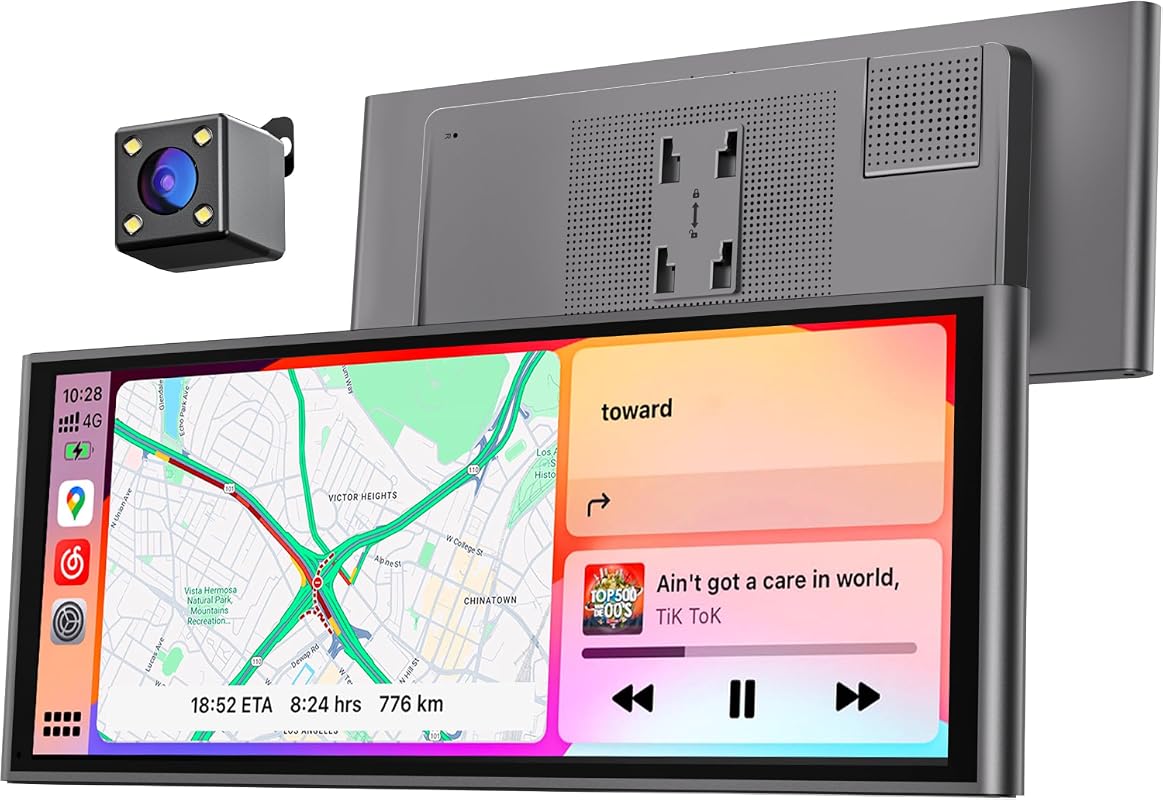
4. 9.26-Inch Wireless Portable CarPlay Screen for Apple CarPlay, Android Auto, OTA Updates
intro text here (2-3 sentences only)
Key Features That Stand Out
✓ Wireless CarPlay/Android Auto on the go
✓ OTA updates for firmware improvements
✓ Fast response and smooth navigation
✓ Lightweight and portable design
Why We Recommend It
Perfect for users who want portability without sacrificing essential features.
Best For
Best for renters or second cars where installation needs to be temporary.
Pros and Cons
Pros:
- Portable and easy to move between vehicles
- Solid wireless performance
- OTA updates keep firmware fresh
- Cost-effective option
Cons:
- Smaller screen may not suit everyone
- Battery life may vary with usage
Customer Reviews
Customer Review: window.P && P.register(‘bb’);
if (typeof ues === ‘function’) {
ues(‘t0’, ‘portal-bb’, new Date());
ues(‘ctb’, ‘portal-bb’, 1);
}
Customer Review: sp:eh:+m0NlMyVhs3e/1Q/cpXzemxFL5c1LUMmEVh2ToBpPOEXNnOg14KaP802Vq8hUkwxPGr1IX+JgUoVfXBoWHzb1wcXtnepyUfyBQAUtxYA8/vhaZaKzhY3C1dB6mc=
5. 11-Inch Wireless Apple CarPlay Screen for Car with 4K Dash Cam and Backup Camera
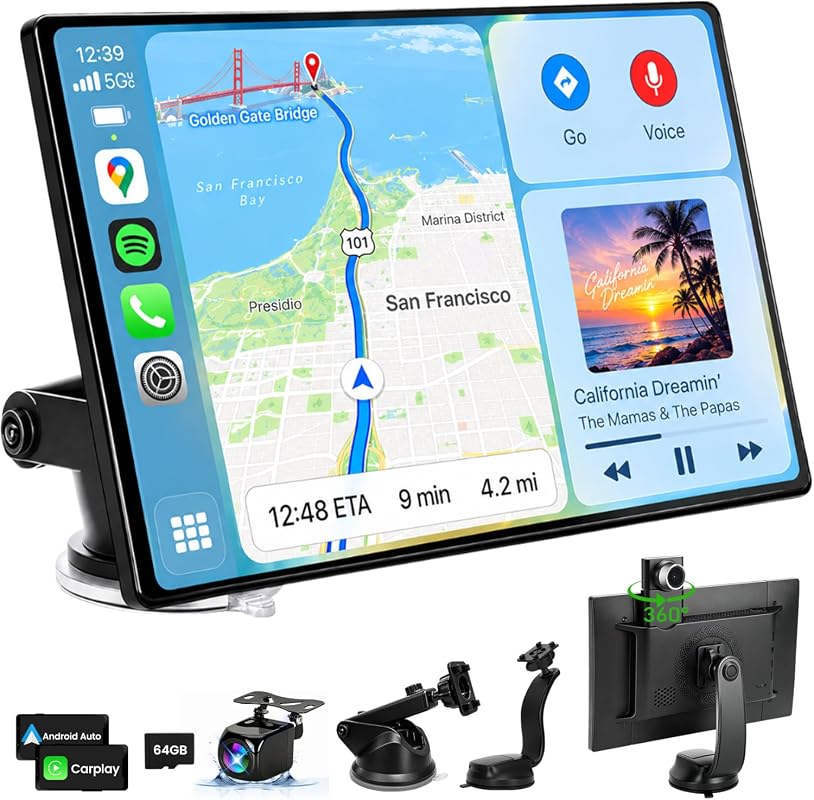
intro text here (2-3 sentences only)
Key Features That Stand Out
✓ Large 11-inch HD display
✓ 4K dash cam integration
✓ Backup camera support
✓ Strong multimedia compatibility
Why We Recommend It
Great for drivers who want a big screen with camera integration for added safety.
Best For
Best for those who prioritize a spacious display and camera features.
Pros and Cons
Pros:
- Impressive display size
- Camera integration enhances safety
- Solid Android Auto/CarPlay support
- Good multimedia options
Cons:
- Mounting may require extra space
- Higher price point
Customer Reviews
Customer Review: window.P && P.register(‘bb’);
if (typeof ues === ‘function’) {
ues(‘t0’, ‘portal-bb’, new Date());
ues(‘ctb’, ‘portal-bb’, 1);
}
Customer Review: sp:eh:+m0NlMyVhs3e/1Q/cpXzemxFL5c1LUMmEVh2ToBpPOEXNnOg14KaP802Vq8hUkwxPGr1IX+JgUoVfXBoWHzb1wcXtnepyUfyBQAUtxYA8/vhaZaKzhY3C1dB6mc=
6. 7-Inch Wireless CarPlay and Android Auto Screen for Car in Black, Premium
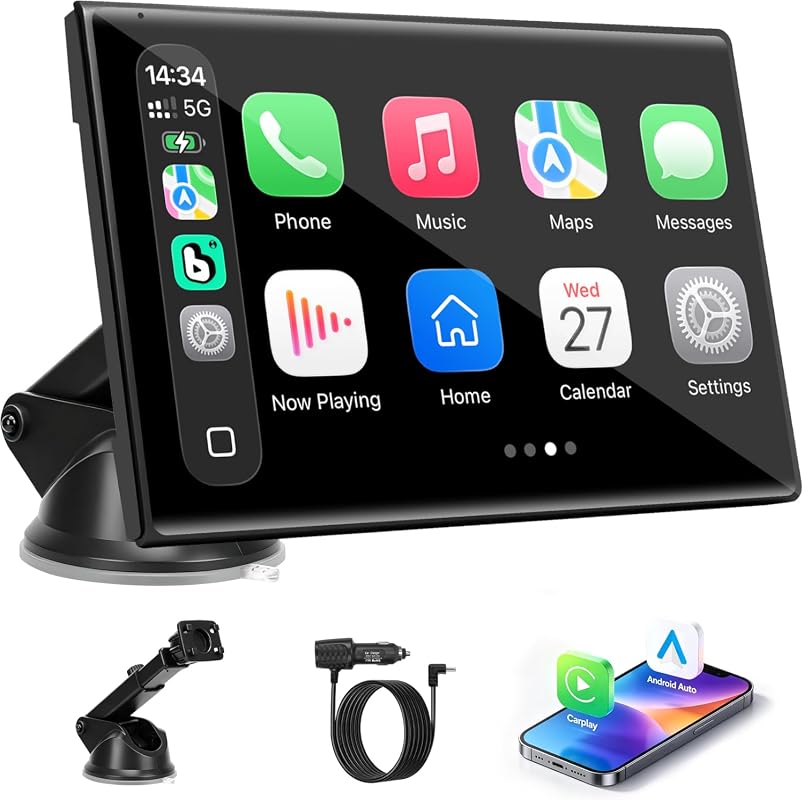
intro text here (2-3 sentences only)
Key Features That Stand Out
✓ Wireless CarPlay & Android Auto pairing
✓ Voice control and multiple audio outputs
✓ Rotatable 7-inch touchscreen
✓ Simple DIY installation
Why We Recommend It
Compact size with flexible orientation makes it ideal for smaller dashboards.
Best For
Best for drivers who want a compact, versatile screen without bulk.
Pros and Cons
Pros:
- Easy voice control integration
- Flexible orientation
- Nice build quality
- Affordably priced
Cons:
- Screen size limits some apps
- Mounting options may vary by vehicle
Customer Reviews
Customer Review: window.P && P.register(‘bb’);
if (typeof ues === ‘function’) {
ues(‘t0’, ‘portal-bb’, new Date());
ues(‘ctb’, ‘portal-bb’, 1);
}
Customer Review: sp:eh:toSiaxuzNOlJBpqRASUDQEYBzIMnUjoTtm50KuH12srXBHrCTLcYju1XBlrvDmEO2pUP1CLiRkknYLpjdwcy8qtJGtkh2l+seZ84i5ifUQN94r/K3lbwGtw9PA4=
7. BOSS BVCP9700A-C Car Stereo with Apple CarPlay, Android Auto, 7-Inch Double-Din, Touchscreen, Bluetooth, Backup Camera
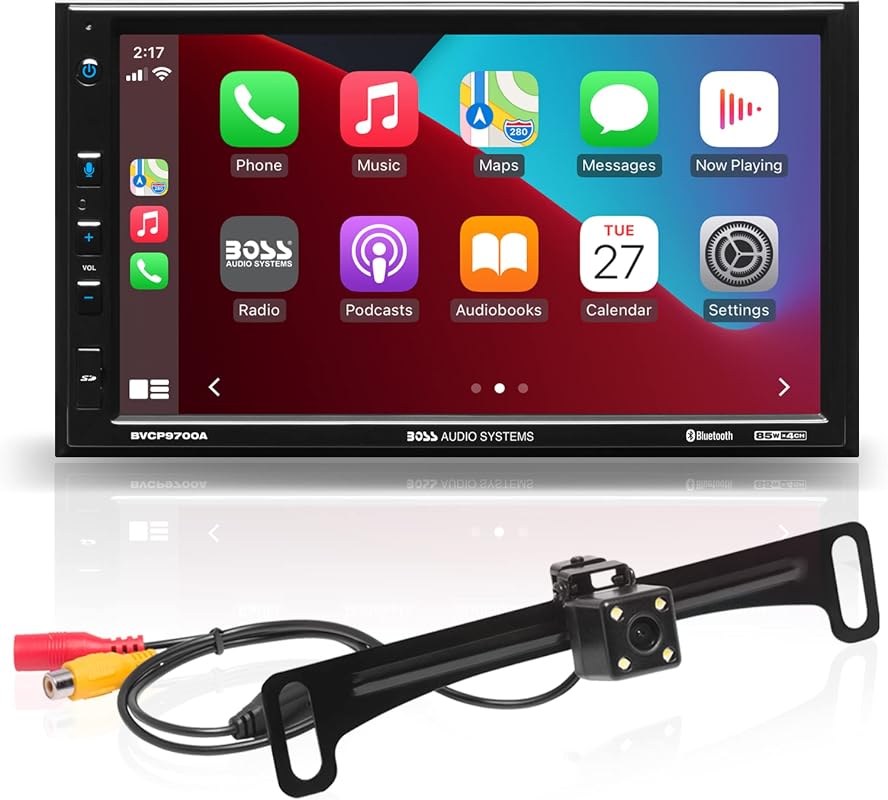
intro text here (2-3 sentences only)
Key Features That Stand Out
✓ Apple CarPlay and Android Auto integration
✓ 7-inch double-DIN touchscreen
✓ Backup camera support
✓ Good compatibility with many vehicles
Why We Recommend It
Reliable performance with an OEM-like look for a seamless cabin integration.
Best For
Best for drivers who want a feature-rich, standard-size head unit.
Pros and Cons
Pros:
- Clear touchscreen interface
- Compatible with many vehicles
- Solid audio and connectivity
- Backup camera ready
Cons:
- Older dash integration may require extra wiring
- Non-Bose audio in some trims
Customer Reviews
Customer Review: window.P && P.register(‘bb’);
if (typeof ues === ‘function’) {
ues(‘t0’, ‘portal-bb’, new Date());
ues(‘ctb’, ‘portal-bb’, 1);
}
Customer Review: sp:eh:toSiaxuzNOlJBpqRASUDQEYBzIMnUjoTtm50KuH12srXBHrCTLcYju1XBlrvDmEO2pUP1CLiRkknYLpjdwcy8qtJGtkh2l+seZ84i5ifUQN94r/K3lbwGtw9PA4=
8. Stinger Horizon10 10.1-Inch Car Stereo
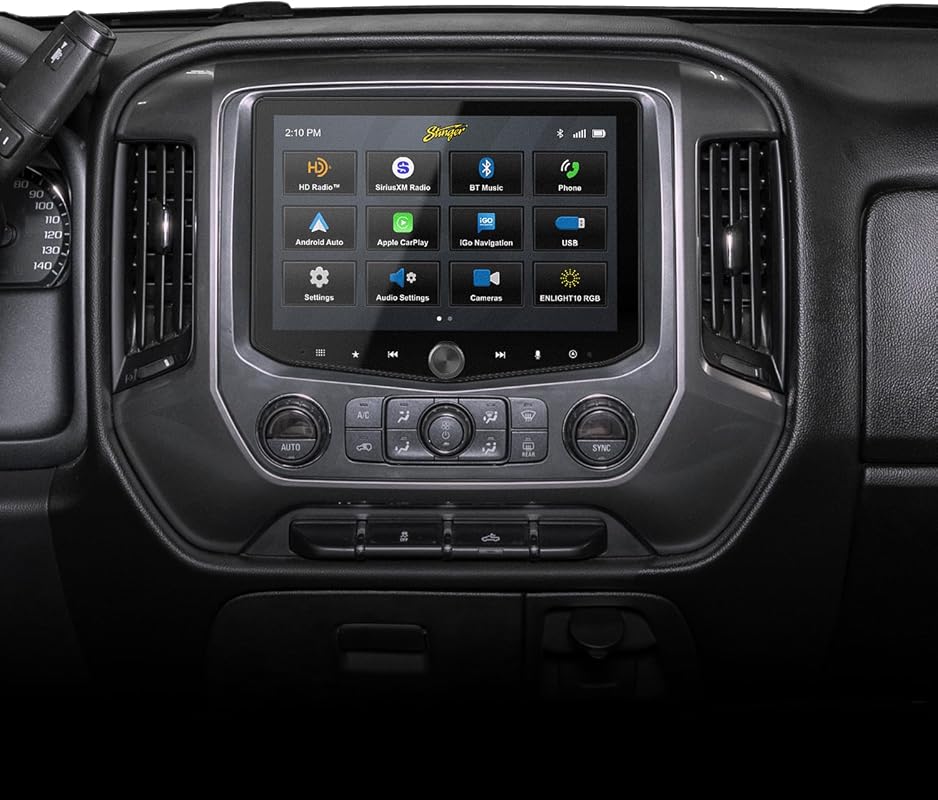
intro text here (2-3 sentences only)
Key Features That Stand Out
✓ Wireless Apple CarPlay support
✓ 10.1-inch high-definition display
✓ OEM-style interface compatibility
✓ Easy Bluetooth and media controls
Why We Recommend It
Excellent for users who want a bigger screen with a premium feel.
Best For
Best for drivers seeking an upscale look and smooth CarPlay experience.
Pros and Cons
Pros:
- Large display with responsive UI
- Apple CarPlay support
- Integrated with vehicle aesthetics
- Solid build quality
Cons:
- Higher price point
- Installation may require more dash space
Customer Reviews
Customer Review: window.P && P.register(‘bb’);
if (typeof ues === ‘function’) {
ues(‘t0’, ‘portal-bb’, new Date());
ues(‘ctb’, ‘portal-bb’, 1);
}
Customer Review: sp:eh:TSpWw6I31O1kVS4JNHSgwmj6c3GX96CfPdSJhWhzZ3R+BVDdcrDpmvr9yehC8oeGVWBftqIzuub5Js2hgUW850seCnEUlY0zyug2wdfjHeYh5UTgw7o7eNcOAX4=
9. KENWOOD DMX1038S 10.1-Inch Touchscreen Car Stereo with Wireless Apple CarPlay, Android Auto, and Backup Camera Inputs
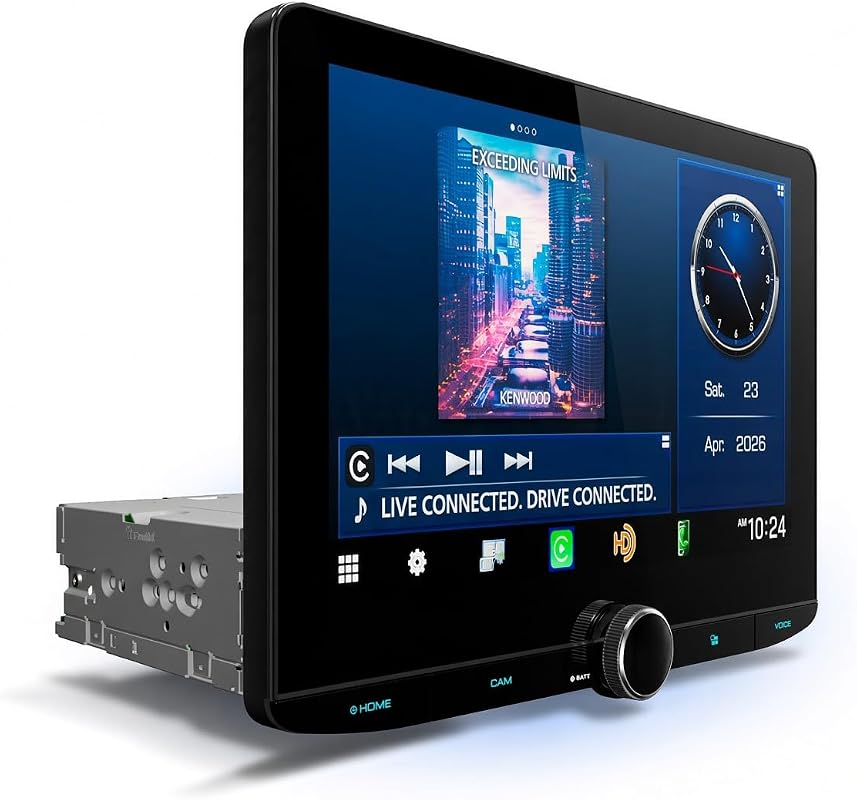
intro text here (2-3 sentences only)
Key Features That Stand Out
✓ Wireless CarPlay & Android Auto
✓ 10.1-inch floating touchscreen
✓ 4-way adjustability for fit
✓ Reliable Bluetooth connectivity
Why We Recommend It
Excellent balance of screen real estate and versatile mounting options for many dashboards.
Best For
Best for enthusiasts who want a premium, feature-packed screen.
Pros and Cons
Pros:
- Beautiful display with flexible mounting
- Strong car infotainment features
- Wide device compatibility
- Solid after-sales support
Cons:
- Higher cost tier
- Installation may be complex for beginners
Customer Reviews
Customer Review: window.P && P.register(‘bb’);
if (typeof ues === ‘function’) {
ues(‘t0’, ‘portal-bb’, new Date());
ues(‘ctb’, ‘portal-bb’, 1);
}
Customer Review: sp:eh:pur1q9upkIvBFzzigxLGjIedHnfGI63hQ2prpNLJCXpXt8Rrxw5cRRMK7VSsrBQSJZKjuilYXkQAYD+uvxNEz1kh0qQXrRRSG7AXwF7GZD3Q2vjVvK0GEB4sHNo=
Complete Buying Guide for Best Infotainment System For Car
Essential Factors We Consider
When choosing an infotainment system for your car, consider compatibility with your vehicle, ease of use, and how many features you actually need. Look for wireless CarPlay/Android Auto support, screen size that fits your cabin, and reliable performance in day-to-day driving. We also weigh after-sale support and ease of installation.
Budget Planning
Set a realistic budget that covers not just the unit, but installation and potential extra wiring. If you want premium features, expect to invest more for a seamless fit and robust software updates.
Final Thoughts
Ultimately, the best infotainment system for your car should feel native to your ride—intuitive, reliable, and capable of keeping you connected safely on the road.
Frequently Asked Questions
Q: What is the best infotainment system for a modern car?
A: The best option balances wireless CarPlay/Android Auto, a large responsive display, and easy installation. Consider a model that fits your dash space and offers reliable updates.
Q: Do these systems support Android Auto as well as Apple CarPlay?
A: Yes, many top options include both Android Auto and Apple CarPlay for universal smartphone compatibility.
Q: Can I install these myself or do I need a professional?
A: It depends on your car and the unit. Some head units are straightforward plug-and-play, while others require wiring harness adapters and professional installation.
Q: Will an upgraded infotainment system affect my car’s warranty?
A: It can, depending on your vehicle and the modification. Check your manufacturer’s policy and consult a pro if you’re unsure.
Q: Do these systems support backup cameras?
A: Many models offer backup camera input or include one. Always verify compatibility with your existing camera setup.
Ready to upgrade your car’s infotainment? Explore the options above and pick the one that best fits your needs. For more guidance, check our related articles on car tech and in-car systems.
Similar Posts
10 Best Pink Push Car For Toddlers: Top Quality Picks Reviewed 2026
Finding the perfect pink push car for toddlers can feel like a big decision. You want something safe, fun, and sturdy enough to handle backyard adventures and sidewalk strolls. Our team has tested and reviewed the top options so you can make the best choice for your little one. Whether you are looking for a…
Top 10 Best Rear Car Seat Covers For Dogs: Expert Picks
Discover the best rear car seat covers for dogs and make road trips with your furry friend safer, cleaner, and more comfortable. This roundup highlights ten top options that protect your back seat from dirt, hair, and scratches while keeping your pup comfy on every ride. Whether you have a small terrier or a big…
Top 10 Best Quick Release Oil Drain Valve Options
When it comes to quick, mess-free oil changes, a Quick Release Oil Drain Valve can be a game changer. This roundup highlights the best options on the market, focusing on durability, ease of use, and value. If you routinely service cars or small engines, these valves can dramatically reduce spills and cleanup. Quick Product Comparison…
10 Best Air Pumps for Motorcycles: Expert Picks
Discover the Best Air Pump For Motorcycle options that deliver reliable inflation on the go. Whether you’re topping off a low tire after a ride or dialing in the ideal pressure for wet, muddy roads, having a compact, powerful pump is essential. In this roundup, we test 10 popular models to help you pick a…
Top 3 Best Tunes for 6 7 Cummins: Expert Picks You Can Trust
Best Tunes For 6 7 Cummins can make a noticeable difference in throttle response, power delivery, and overall driving feel. If you’re chasing more torque and efficient highway cruising, exploring top tunes for the 6.7 Cummins is a smart move. Below you’ll find a quick product comparison and in-depth reviews to help you decide which…
Top 10 Best Car Seats for 2–3 Year Olds: Expert Picks for Safety & Comfort
Finding the right car seat for your 2 or 3-year-old can feel overwhelming, but it doesn’t have to be. At this age, children are transitioning from rear-facing seats into forward-facing harnessed car seats—or possibly moving into booster seats as they grow. Safety, comfort, ease of installation, and adaptability are key factors every parent should consider….


