Top 10 Best Scan Tools for Toyota: Expert Picks
Finding the Best Scan Tool For Toyota can feel overwhelming with so many options that promise dealership-grade diagnostics. In this roundup, we focus on tools that deliver solid Toyota coverage, reliable bi-directional control, and ease of use for DIYers and professionals alike. Whether you own a daily driver or manage a small shop, this list helps you compare features, value, and real-world performance.
Quick Product Comparison
Our Top 10 Best Scan Tool For Toyota Reviews – Expert Tested & Recommended
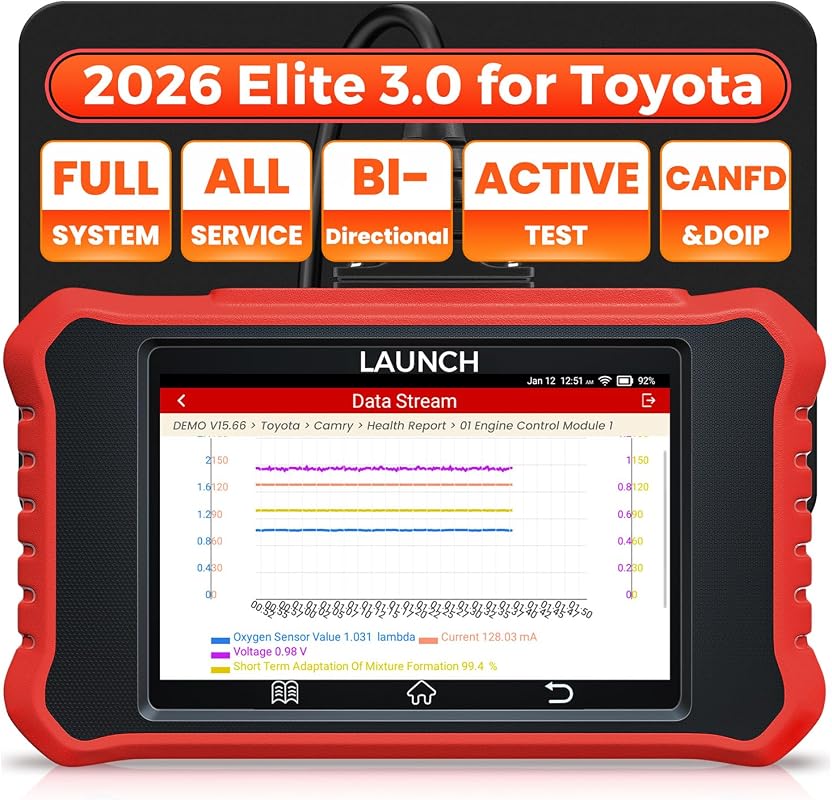
1. 2026 LAUNCH Creader Elite V3.0 Bi-Directional Scan Tool for Toyota and Lexus
intro text here (2-3 sentences only)
Key Features That Stand Out
- ✓ Bi-directional control supports active tests for Toyota systems
- ✓ Full-system coverage across Toyota and Lexus platforms
- ✓ Portable with a clear, responsive interface
- ✓ Wide vehicle compatibility for daily use
Why We Recommend It
intro text here (2-3 sentences only)
Best For
intro text here (2-3 sentences only)
Pros and Cons
Pros:
- Bi-directional control enables quick fault pinpointing
- Solid build quality and reliable performance
- User-friendly interface with durable hardware
- Comprehensive Toyota coverage
Cons:
- Steep learning curve for complete Techstream-equivalent diagnostics
- Higher price point than basic code readers
Customer Reviews
Customer Review: “The Creader Elite V3.0 feels premium and easy to navigate. It handled all my Toyota modules with clear live data.” – Tech DIYer
Customer Review: “Bi-directional tests saved a few trips to the shop. Battery reset and readiness checks are handy.” – Local Mechanic
2. LAUNCH Creader Elite X500 OBD2 Scanner

intro text here (2-3 sentences only)
Key Features That Stand Out
- ✓ Android-based interface for easy navigation
- ✓ Bi-directional tests for Toyota systems
- ✓ Fast, responsive performance
- ✓ Compact design for on-the-go use
Why We Recommend It
intro text here (2-3 sentences only)
Best For
intro text here (2-3 sentences only)
Pros and Cons
Pros:
- Rich diagnostic capabilities for Toyota and Lexus
- Solid value for a mid-range bi-directional tool
- Nice balance of features and portability
- Good for hobbyists and professionals
Cons:
- Android OS updates may affect compatibility over time
- May require a learning curve to maximize advanced functions
Customer Reviews
Customer Review: “Great screen readability and quick data streaming. Bi-directional tests saved time.” – Car Enthusiast
Customer Review: “A reliable tool for Toyota repairs; setup was straightforward.” – Technician
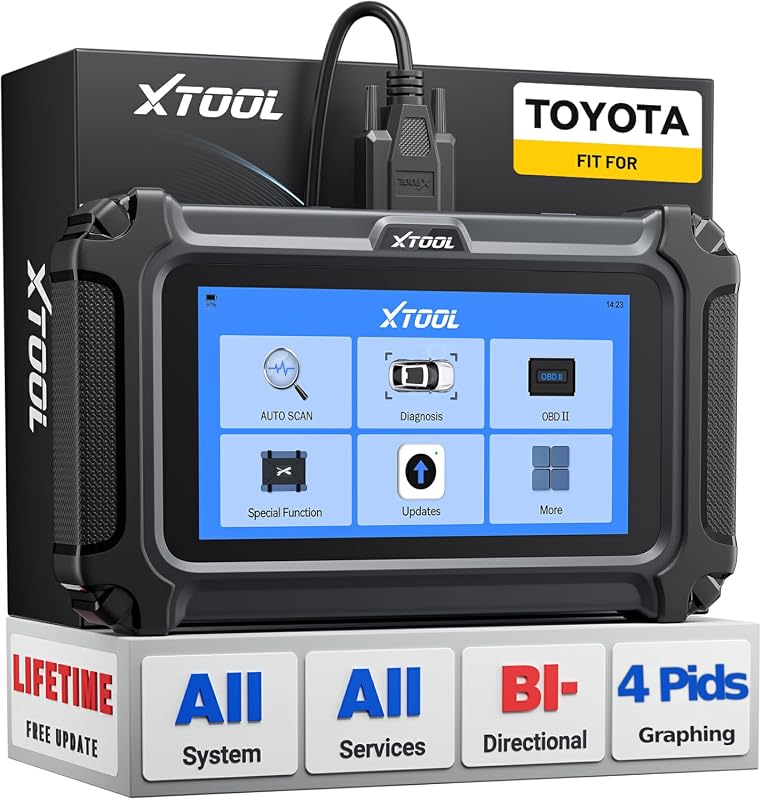
3. XTOOL IP500 OBD2 Scanner Bidirectional Tool
intro text here (2-3 sentences only)
Key Features That Stand Out
- ✓ Professional-grade bidirectional control
- ✓ Comprehensive ABS/SRS/ECU diagnostics
- ✓ User-friendly interface and clear data
Why We Recommend It
intro text here (2-3 sentences only)
Best For
intro text here (2-3 sentences only)
Pros and Cons
Pros:
- Strong diagnostic depth for Toyota models
- Affordable Bi-Directional option
- Compact and portable for home use
Cons:
- Some advanced functions require practice to master
- Firmware updates can be infrequent
Customer Reviews
Customer Review: “IP500 delivers solid coverage at a reasonable price. Beats basic OBD readers.” – DIYer
Customer Review: “Bi-directional features helped diagnose a tricky ABS issue quickly.” – Weekend Mechanic
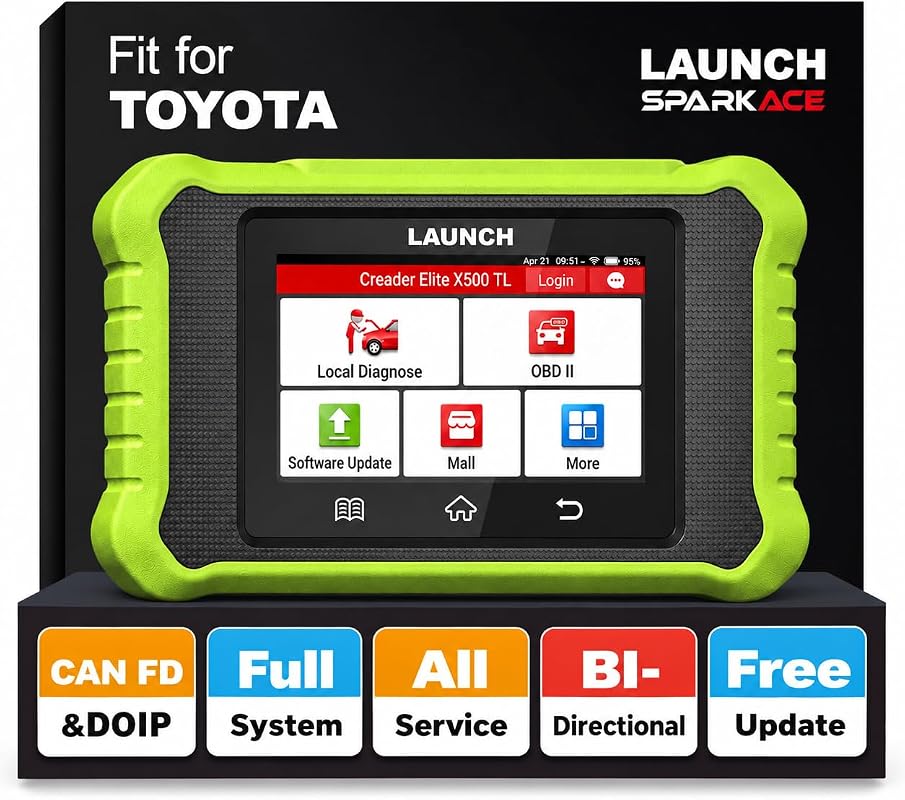
4. LAUNCH Creader Elite X500 OBD2 Scanner for Toyota—Bi-Directional Tool
intro text here (2-3 sentences only)
Key Features That Stand Out
- ✓ Modern Android-based interface
- ✓ Full-system diagnostics for Toyota and Lexus
- ✓ Smooth performance with a responsive touchscreen
Why We Recommend It
intro text here (2-3 sentences only)
Best For
intro text here (2-3 sentences only)
Pros and Cons
Pros:
- Powerful diagnostics in a portable package
- Good value for the feature set
- Reliable build and easy updates
Cons:
- Screen size could feel small for some users
- Some advanced functions require training
Customer Reviews
Customer Review: “This tool is a workhorse for our small shop; diagnostics are solid.” – Shop Owner
Customer Review: “Bi-directional tests illuminate issues fast; easy to use after a quick setup.” – Hobbyist
5. Opus IVS Mongoose-Plus J2534 OEM Interface Cable
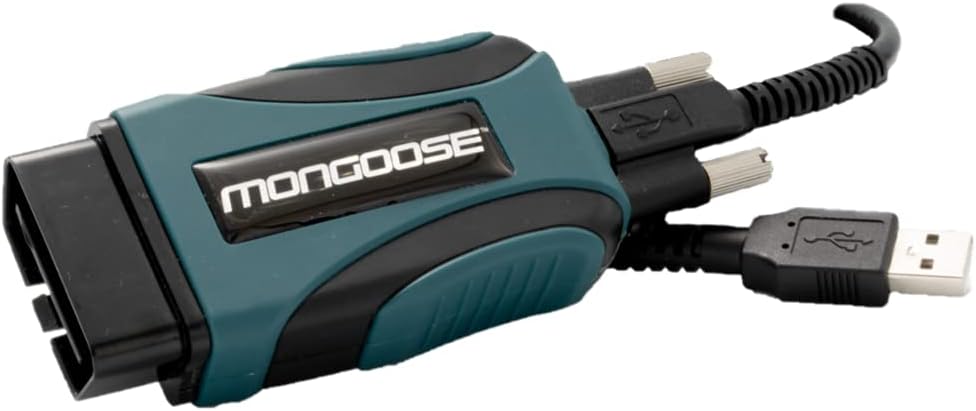
intro text here (2-3 sentences only)
Key Features That Stand Out
- ✓ OEM interface compatibility
- ✓ Pass-thru capability for Toyota/Lexus software tasks
- ✓ Secure wireless options
Why We Recommend It
intro text here (2-3 sentences only)
Best For
intro text here (2-3 sentences only)
Pros and Cons
Pros:
- Trusted interface for dealer-level tasks
- Bluetooth options add flexibility
- Good value for reprogramming work
Cons:
- Requires a compatible laptop or device for full use
- Can be intimidating for beginners
Customer Reviews
Customer Review: “The Mongoose-Plus makes dealer-grade tasks accessible from home.” – Technician
Customer Review: “Solid performance with Toyota apps; setup was a breeze after the initial install.” – Enthusiast
6. KINGBOLEN SOLOSCAN Bidirectional Scan Tool
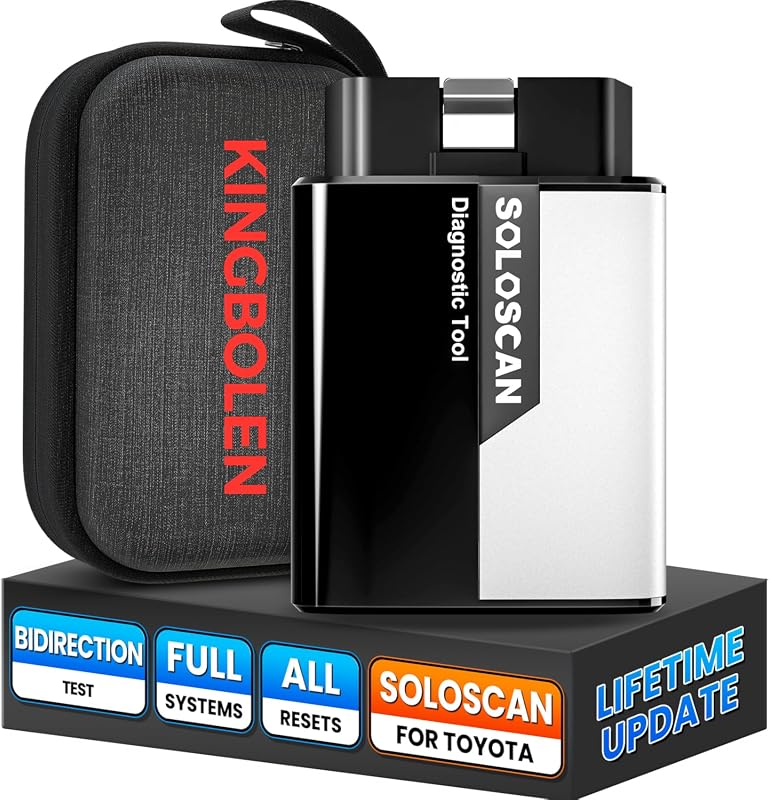
intro text here (2-3 sentences only)
Key Features That Stand Out
- ✓ Dedicated Toyota/Lexus coverage
- ✓ Live data and advanced diagnostics
- ✓ Strong build and responsive interface
Why We Recommend It
intro text here (2-3 sentences only)
Best For
intro text here (2-3 sentences only)
Pros and Cons
Pros:
- Excellent Toyota/Lexus depth
- Good value for a bidirectional tool
- Reliable performance and data accuracy
Cons:
- Interface may feel dated to some users
- Learning curve for advanced tests
Customer Reviews
Customer Review: “Masterful for Toyota diagnostics with clear charts.” – Professional Tech
Customer Review: “Solid instrumentation and quick updates.” – Car Owner
7. XTOOL Car Scanner D5 OBD2 Scanner with ABS/SRS
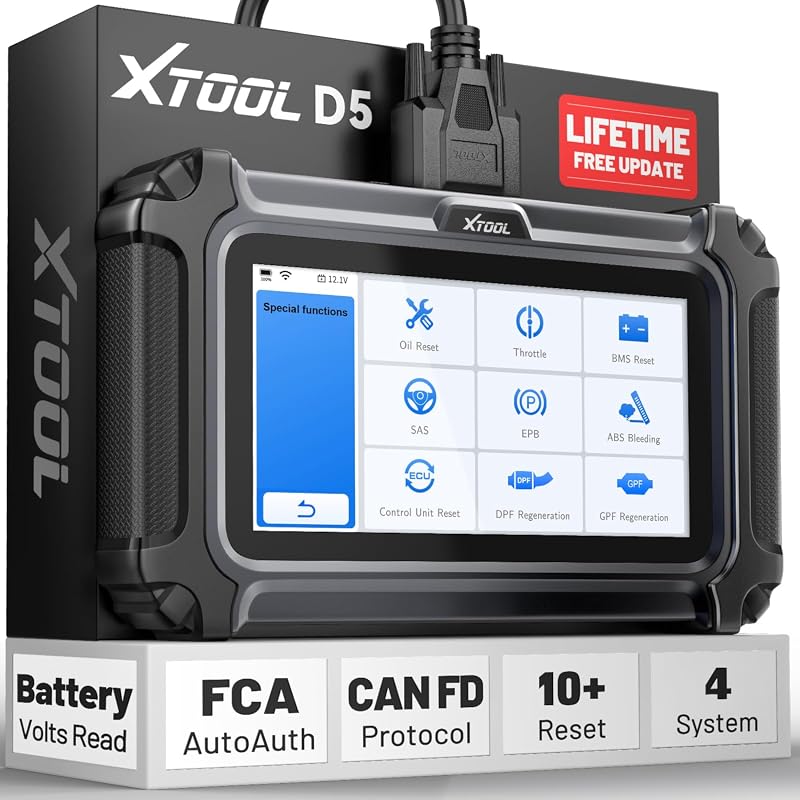
intro text here (2-3 sentences only)
Key Features That Stand Out
- ✓ ABS/SRS diagnostics
- ✓ 10 reset functions
- ✓ CAN compatibility
Why We Recommend It
intro text here (2-3 sentences only)
Best For
intro text here (2-3 sentences only)
Pros and Cons
Pros:
- Affordable with broad feature set
- Clear live data and graphs
- Simple interface for quick checks
Cons:
- Occasional lag on older devices
- Some advanced tests require manual input
Customer Reviews
Customer Review: “Great value for the price; performs ABS tests reliably.” – Home Mechanic
Customer Review: “Nice feature set; easy to use for beginners.” – Car Hobbyist
8. MOTOPOWER MP69033 OBD2 Scanner
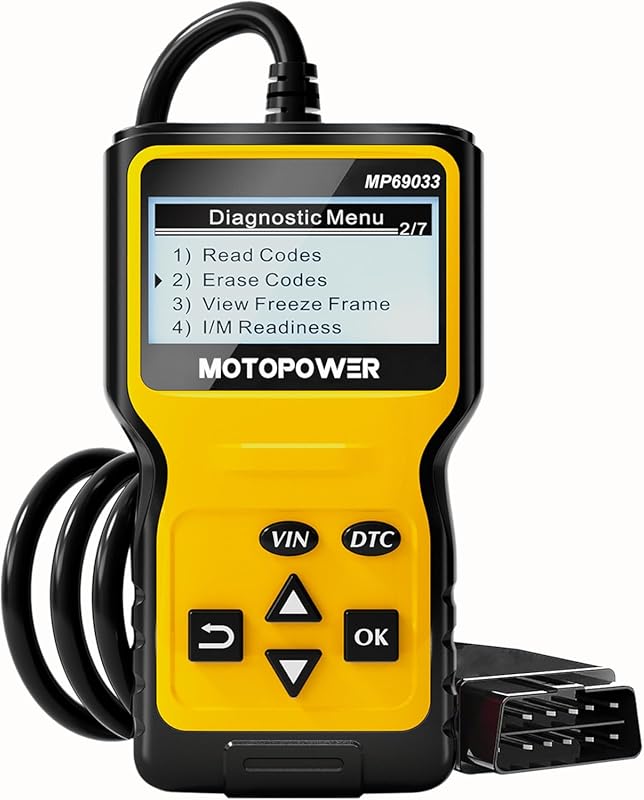
intro text here (2-3 sentences only)
Key Features That Stand Out
- ✓ 2.8″ LCD display with backlight
- ✓ Supports 9 protocols for wide vehicle coverage
- ✓ Easy DTC lookup library
Why We Recommend It
intro text here (2-3 sentences only)
Best For
intro text here (2-3 sentences only)
Pros and Cons
Pros:
- Simple, budget-friendly option
- Reliable basic OBD2 functionality
- Clear display for quick checks
Cons:
- Limited advanced diagnostics
- Screen is small for detailed data
Customer Reviews
Customer Review: “Perfect for basics; easy to use out of the box.” – New Car Owner
Customer Review: “Affordable and dependable for simple codes.” – Student Technician
9. iCarsoft JP V2.0 Diagnostic Scan Tool for Japanese Vehicles
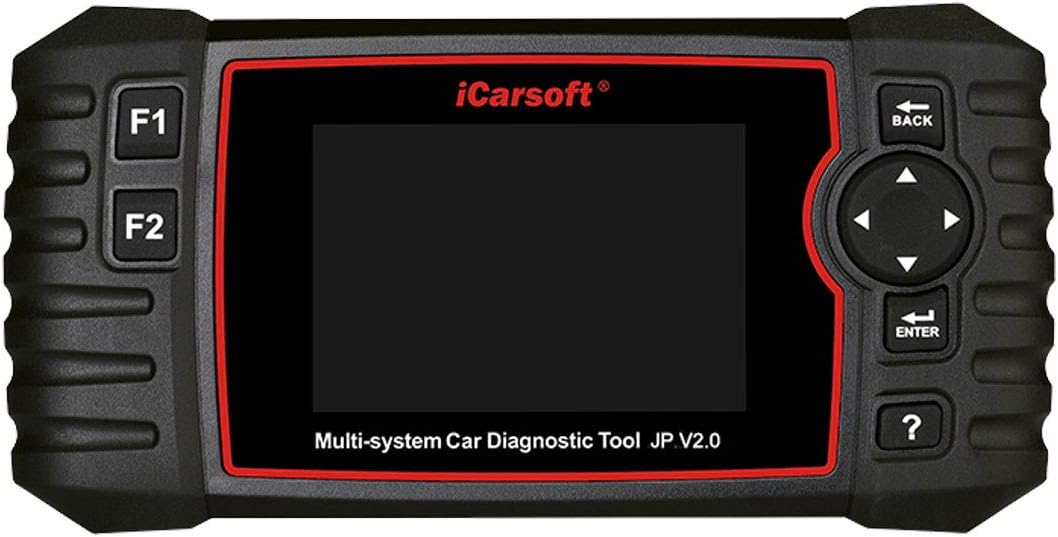
intro text here (2-3 sentences only)
Key Features That Stand Out
- ✓ Oil reset and EPB functions
- ✓ Japanese vehicle coverage focus
- ✓ Comprehensive diagnostics for import cars
Why We Recommend It
intro text here (2-3 sentences only)
Best For
intro text here (2-3 sentences only)
Pros and Cons
Pros:
- Specialized for Japanese brands
- All-in-one maintenance features
- Compact and portable
Cons:
- Limited Toyota-Lexus coverage compared to others
- Smaller user base for advanced troubleshooting
Customer Reviews
Customer Review: “Perfect for Japanese cars; oil reset works smoothly.” – Enthusiast
Customer Review: “Solid build and reliable readings.” – Car Hobbyist
10. iCarsoft TYT V1.0 All-Systems Scan Tool

intro text here (2-3 sentences only)
Key Features That Stand Out
- ✓ All-systems coverage
- ✓ Oil reset and maintenance resets
- ✓ Dealer-level diagnostic depth
Why We Recommend It
intro text here (2-3 sentences only)
Best For
intro text here (2-3 sentences only)
Pros and Cons
Pros:
- All-in-one solution for multiple brands
- Rich diagnostic data and graphs
- Compact design for portability
Cons:
- Higher price point vs. basic readers
- Learning curve for new users
Customer Reviews
Customer Review: “Versatile and reliable for Japanese cars; data is clear.” – Tech Enthusiast
Customer Review: “A solid all-systems scanner with useful maintenance features.” – Car Friend
Complete Buying Guide for Best Scan Tool For Toyota
Essential Factors We Consider
When choosing a Toyota diagnostic tool, look for bi-directional capability, full-system coverage, easy updates, and reliable live data. Prioritize tools that offer good support and clear documentation to minimize downtime.
Budget Planning
Set a realistic range based on your needs. If you work with Toyotas regularly, investing in a mid-range bi-directional tool often pays off through reduced dealership visits and faster repairs.
Final Thoughts
Identify your primary use: DIY at home or professional shop work. A tool with strong Toyota coverage and solid build quality tends to deliver the best value over time.
Frequently Asked Questions
Q: Do bi-directional scan tools work on all Toyota models?
A: Bi-directional tools typically cover many Toyota models, but coverage can vary by year and model. Always check the tool’s compatibility list for your specific vehicle.
Q: Are these tools easy for beginners?
A: Many offer intuitive interfaces and guided functions, but some advanced features require a learning curve. Start with basic diagnostics and gradually explore deeper functions.
Q: Can I use these tools to reset oil and maintenance lights?
A: Yes, several of the tools shown include oil reset and maintenance services among their features.
Q: Do these tools require a laptop or smartphone?
A: Most modern tools operate standalone via a built-in screen or connect to a smartphone/tablet for data display.
Q: Is there an affordable option that still covers Toyota well?
A: Yes, there are budget-friendly options with strong Toyota coverage; just be mindful of fewer advanced features.
If you found this guide helpful, consider bookmarking it and exploring related guides like our Best Bi Directional Scan Tool article to widen your diagnostic toolkit. For instance, if you’re curious about tools for other brands, you might also enjoy our guides on Best Scan Tool For Subaru and Best Scan Tool For GM Vehicles.
Ready to pick your tool? Our picks are chosen to balance performance, value, and real-world reliability, so you can diagnose Toyota issues with confidence. If you want to compare with other brands, check our detailed reviews for Best Scan Tool For Audi and Best Scan Tool For Mercedes.
With the right scan tool, you’ll spend less time hunting for problem codes and more time getting back on the road. If you’re on the fence, start with a reputable mid-range option that covers Toyota’s core systems and expand as your needs grow. And don’t forget to check back here for updates as new models and features hit the market.