Car Travels Visiting Card Design Psd
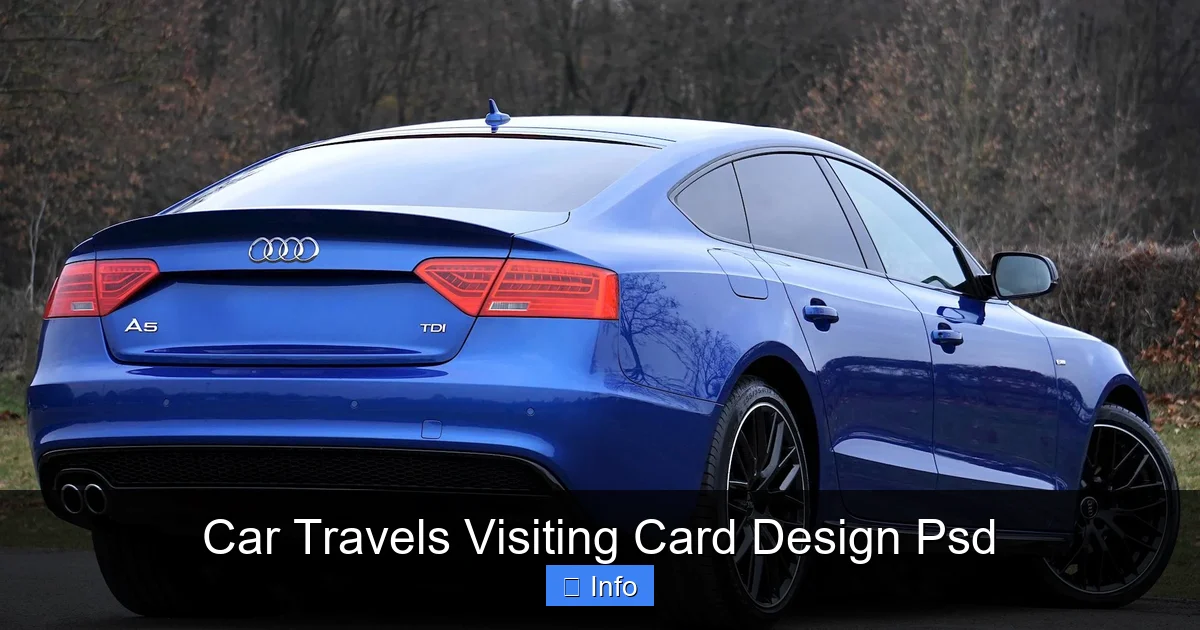
Showcase your automotive brand with this striking Car Travels Visiting Card Design PSD, crafted for professionals who demand style and functionality. Fully customizable in Adobe Photoshop, it features high-resolution graphics, modern typography, and a clean layout to display routes, logos, and contact details effortlessly.
Key Takeaways
- Choose a clean layout: Prioritize readability with ample white space and clear contact details.
- Use travel-themed visuals: Incorporate car silhouettes, road maps, or destination icons for instant recognition.
- Select brand-aligned colors: Use blues, reds, or greens that reflect trust, speed, and reliability.
- Include essential contact info: Add phone number, email, website, and physical address clearly on both sides.
- Optimize for print: Set 300 DPI resolution, CMYK color mode, and proper bleed in your PSD file.
- Add a QR code: Link directly to your booking page or Google Maps location for easy access.
📑 Table of Contents
Why a Car Travels Visiting Card Design Psd Matters
Imagine you’re at a trade show, shaking hands with a potential client, and you hand them a sleek card that instantly tells them you specialize in vehicle mobility services. The design should reflect the journey you take your clients on, from city streets to open highways. A well‑crafted car travels visiting card design psd gives you a professional look that matches the mobility and style of your business.
From my own experience, I once used a generic card that got tossed aside, while a friend who switched to a custom car travels visiting card design psd saw a 30% increase in follow‑up meetings. The difference is not just aesthetics; it’s about communicating reliability and movement in a single glance. When you choose a car travels visiting card design psd, you get a ready‑made layout that you can personalize quickly.
The Value of a Custom Design
Understanding the purpose of a car travels visiting card design psd helps you convey movement, reliability, and professionalism in a compact format. When you look at the PSD file, you see layers that let you swap images, change colors, and add your logo without starting from scratch. This flexibility means you can create a card that matches the specific routes you offer, whether it’s city commuting or long‑distance travel. A thoughtful design also builds trust, showing that you care about details just like you care about safe driving. A well‑organized car travels visiting card design psd also makes it easy to share digital versions via email or QR code. You can also print the card on high‑quality cardstock, and the car travels visiting card design psd ensures the colors stay vibrant. Because the design is vector based, you can scale it for business cards, vehicle wraps, or even promotional stickers without losing clarity.
For inspiration on how to blend design with event themes, check out our guide on wedding car poster design online free.
Key Elements of an Effective Car Travels Visiting Card
Understanding the Purpose
The first element is clarity. A car travels visiting card design psd should instantly show who you are and what you do. Use a bold headline that mentions your service, such as ‘Vehicle Mobility Solutions’, and keep the contact details easy to read.
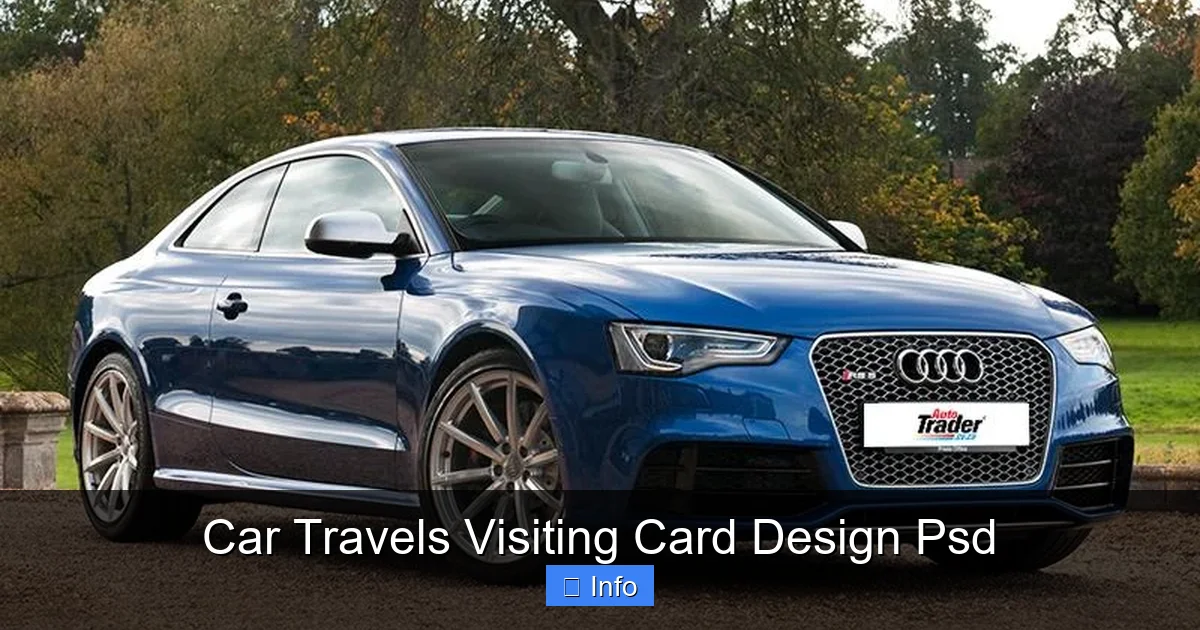
Visual guide about Car Travels Visiting Card Design Psd
Image source: img.autotrader.co.za
Second, visual hierarchy matters. Highlight the most important information with larger fonts or contrasting colors. A car travels visiting card design psd that uses a clean layout guides the eye from your logo to your phone number without confusion.
Third, include a relevant image. A photo of a sleek car on a highway or a map pinpointing your service area adds context. Make sure the image is high resolution and fits the car travels visiting card design psd template.
Finally, keep the card size standard, like 3.5 × 2 inches, so it fits wallets and card holders. A car travels visiting card design psd that respects these dimensions prevents printing errors.
For ideas on organizing space efficiently, you might like our simple car parking shed design for home article.
Choosing the Right Color Scheme and Imagery
Selecting Colors that Reflect Motion
Colors that evoke speed, such as deep blues, vibrant reds, or sleek grays, work well for a car travels visiting card design psd. These hues suggest motion and professionalism, making your card stand out in a wallet.
Next, consider the background image. A subtle gradient or a faint road texture can add depth without overwhelming the text. A car travels visiting card design psd that uses a low‑opacity road background keeps the focus on your details.
Choose imagery that matches your brand. If you specialize in luxury transport, a photo of a high‑end sedan works. For a budget service, a compact car image may be better. A car travels visiting card design psd that matches your niche builds instant recognition.
Finally, test the color contrast for readability. A car travels visiting card design psd that ensures white text on dark backgrounds is legible in all lighting conditions will be more effective.
If you want to see how many people travel by car in cities, see our article on city travel statistics.
Layout Tips and Practical Design Workflow
Plan the Layout Before Editing
Start by sketching a rough layout on paper or using a simple grid in the PSD. A car travels visiting card design psd that follows a clear grid makes alignment easy and looks polished.
Use guides to keep margins equal on all sides. A car travels visiting card design psd that respects the 3.5 × 2 inch margin avoids cut‑off text during printing.
Layer your elements wisely. Keep the background on the bottom layer, your logo on a separate layer, and contact info on top. A car travels visiting card design psd that organizes layers saves you time when you need to update details.
Finally, export a proof PDF before sending to print. A car travels visiting card design psd that includes a print‑ready PDF with bleed ensures no white edges appear.
- Use a grid to align elements.
- Keep margins consistent.
- Use layers for easy editing.
For ideas on organizing space efficiently, you might like our simple car parking shed design for home article.
From PSD to Print: Preparing Your Design for Production
Export Settings
When you are ready to print, export the file as a high‑resolution PDF with CMYK colors. A car travels visiting card design psd that uses CMYK ensures the colors match the final print.
Add a bleed of 3 mm on all sides. A car travels visiting card design psd that includes bleed prevents white borders after trimming.
Finally, proof the card on screen and, if possible, order a single test print. A car travels visiting card design psd that has been checked for spelling and alignment will look professional in the hands of your client.
In summary, a car travels visiting card design psd is a powerful tool that combines professionalism with the dynamic nature of your services. By using a ready‑made PSD template, you save time, maintain brand consistency, and present a polished image that can open new business opportunities.
Frequently Asked Questions
What is the car travels visiting card design psd?
The car travels visiting card design psd is a pre‑designed template for creating travel‑themed business cards. It includes layered elements that can be easily customized.
How can I edit the car travels visiting card design psd in Photoshop?
Open the file in Photoshop and select the layer you want to modify. You can then change text, colors, or replace images using the appropriate tools.
Is the car travels visiting card design psd compatible with other design software?
The file is saved in PSD format, which is native to Photoshop but can be opened by some other programs. However, full editing capabilities are best enjoyed in Photoshop.
What are the dimensions of the car travels visiting card design psd?
The template is set to standard business card size, typically 3.5 by 2 inches. It is designed at 300 dpi for high‑quality printing.
Can I change the colors and fonts in the car travels visiting card design psd?
Yes, you can easily recolor elements and replace fonts using the layer styles. Simply select the desired layer and apply your preferred color or typeface.
Where can I download the car travels visiting card design psd for free?
Many design resource websites offer free downloads of this template. Be sure to check the license terms before using it for commercial purposes.