
How To Start Hyundai Kona With Dead Key Fob Fast Guide
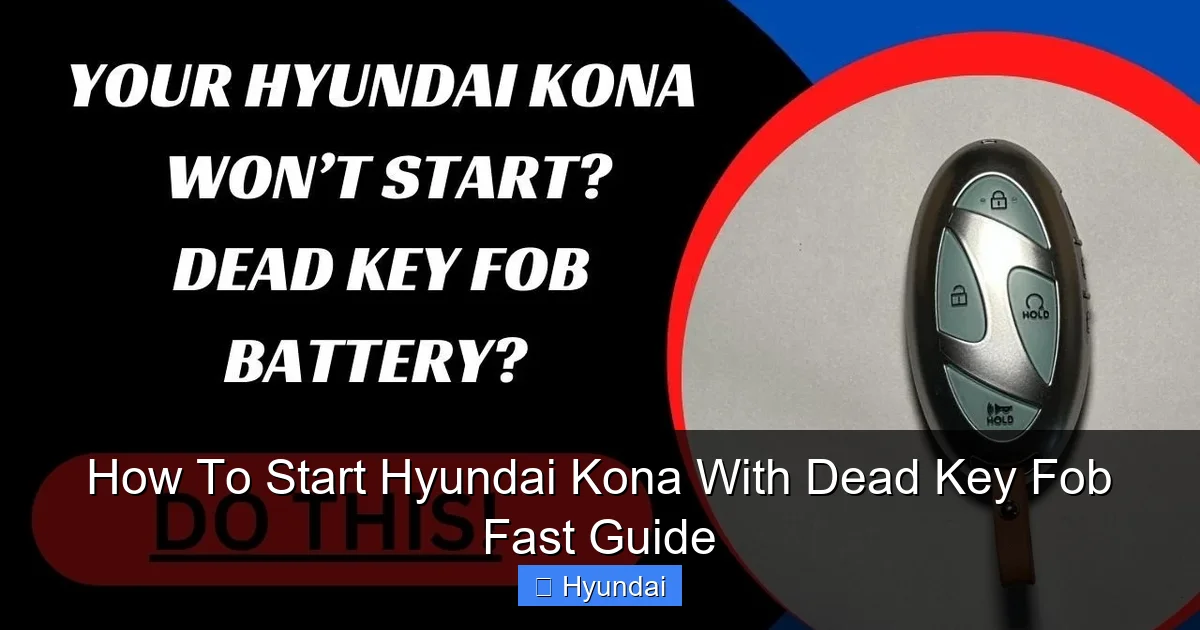
If your Hyundai Kona key fob dies, do not panic. You can still start the car by using the built-in backup method, even with a dead fob battery. This guide shows the simple steps, common mistakes, and quick fixes so you can get back on the road fast.
Key Takeaways
- Point 1: A dead key fob does not always mean a dead trip. The Hyundai Kona has a backup start method built in.
- Point 2: You can usually start the Kona by placing the fob near the start button, even if the battery is weak or dead.
- Point 3: The exact spot for the fob may matter. Hold it close to the start button or the marked sensor area.
- Point 4: If the car still does not start, the issue may be the fob battery, the car battery, or a key system fault.
- Point 5: Replacing the key fob battery is cheap and easy, and it helps prevent future lockouts.
- Point 6: Keep a spare battery, know your backup start method, and check your owner’s manual for your Kona trim.
📑 Table of Contents
- How To Start Hyundai Kona With Dead Key Fob Fast Guide
- Why the Hyundai Kona Can Still Start With a Dead Key Fob
- How To Start Hyundai Kona With Dead Key Fob Step by Step
- Where To Hold the Fob for the Best Chance of Starting
- What To Do If the Kona Still Will Not Start
- How To Replace the Hyundai Kona Key Fob Battery
- How To Prevent This Problem Again
- When To Call for Help
- Conclusion
How To Start Hyundai Kona With Dead Key Fob Fast Guide
If your Hyundai Kona key fob stops working, it can feel like a big problem. You press the button. Nothing happens. The doors stay locked. The car will not start. It is an annoying moment, but it is usually not a disaster.
The good news is that you can often start Hyundai Kona with dead key fob using a built-in backup method. Hyundai designs many of its smart key systems so the car can still read the fob, even when the battery inside the fob is weak or fully dead. That means you may not need a tow, a locksmith, or a jump start right away.
In this guide, I will walk you through the easiest ways to start Hyundai Kona with dead key fob, what to try if it does not work, and how to avoid the same problem later. I will keep it simple and practical, just like a friend showing you what to do in the parking lot.
Why the Hyundai Kona Can Still Start With a Dead Key Fob
The backup chip inside the fob
Most Hyundai smart keys have a small transponder chip inside. This chip does not always need the fob battery to work. When you bring the fob close to the right spot in the car, the Kona can read that chip and allow the engine to start.

Visual guide about How To Start Hyundai Kona With Dead Key Fob Fast Guide
Image source: mykeypremium.com
That is why you can often start Hyundai Kona with dead key fob even when the buttons do not work. The remote part may be dead, but the backup start function can still save the day.
What a dead fob battery really means
A dead battery in the fob usually affects remote lock, unlock, and panic buttons first. The car may still detect the chip if you place the fob in the right position. So if your Kona is not responding to the buttons, do not assume the whole key is useless.
If you also want to understand other battery-related access issues, this guide on how to open a Hyundai Sonata trunk with a dead battery is a helpful example of how backup systems work in Hyundai vehicles.
How To Start Hyundai Kona With Dead Key Fob Step by Step
Step 1: Get inside the vehicle
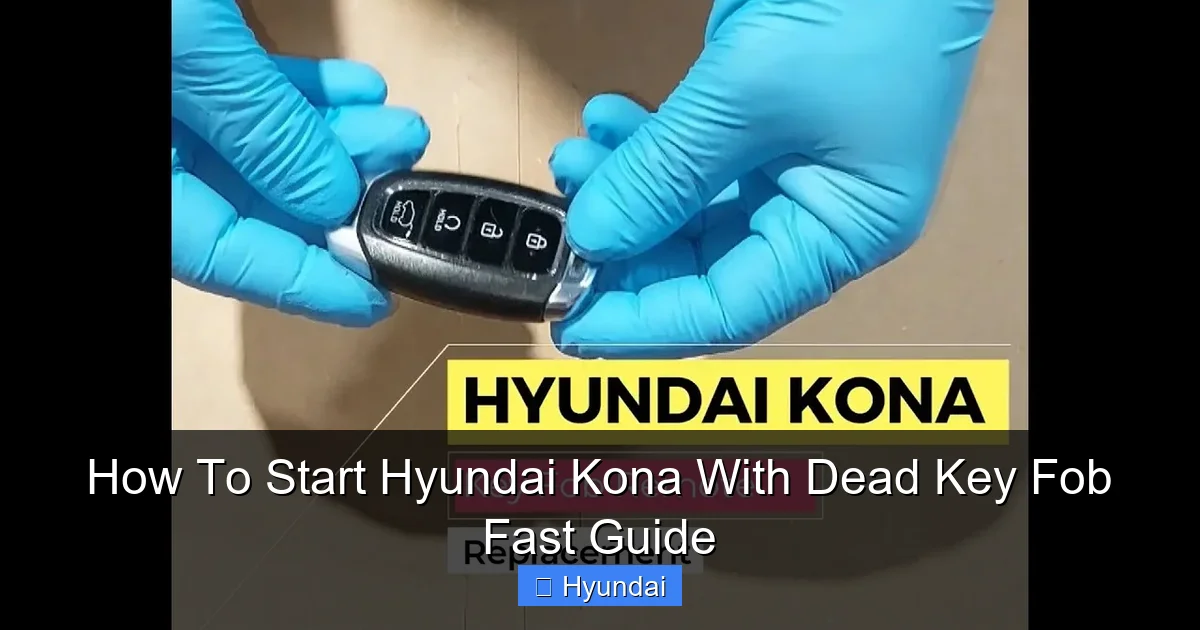
First, unlock the door. If the fob battery is dead, use the hidden mechanical key inside the fob. Most Hyundai fobs have a small release button on the back or side. Slide out the metal key and use it in the driver door lock.
Visual guide about How To Start Hyundai Kona With Dead Key Fob Fast Guide
Image source: i.ytimg.com
If the door lock feels stiff, do not force it. Turn gently. If the car has been sitting for a long time, the lock may just need a careful twist.
Step 2: Sit in the driver seat and close the door
Once you are inside, sit in the driver seat and close the door. This helps the car detect the key system better. Keep the fob with you. Do not leave it in the cup holder or on the seat far away from the start button.
Step 3: Place the dead key fob near the start button
This is the main trick to start Hyundai Kona with dead key fob. Put the fob right next to the engine start/stop button. On many Hyundai models, the car can read the fob when it is very close to the button, even if the battery is dead.
Some Kona models may work best if you press the fob directly against the start button. Others may work when the fob is held just beside it. Try both positions if the first one fails.
Step 4: Press the brake and start the car
With the fob in place, press the brake pedal and push the start button. Hold the fob steady for a moment. If the system accepts the key, the dashboard should light up and the engine should start.
If the car starts, let it run for a few minutes. This gives the battery time to recover if the problem is not only the key fob.
Step 5: Try again if needed
If nothing happens, remove the fob and try again. Sometimes the angle matters. Sometimes the battery inside the fob is so weak that the car needs the key pressed in a slightly different spot.
If your Kona still refuses to respond, do not keep mashing the button. Move to the troubleshooting steps below.
Where To Hold the Fob for the Best Chance of Starting
Use the start button area first
On many Hyundai Kona models, the best place to hold the dead fob is directly against the start button. This is the easiest and most common method. It is fast, simple, and worth trying first.
Try the marked sensor area if your model has one
Some vehicles have a backup sensor spot on the steering column, center console, or near the cup holder area. Your owner’s manual will show the exact location. If you are not sure, check there before trying random spots.
Keep the fob flat and close
Do not wave the fob around. Keep it still and close to the sensor point. The car needs a clear signal. A steady hand often works better than moving the key around.
If you are curious about other key fob tricks, this article on how to roll down windows with the remote on a Toyota RAV4 shows how different vehicles use their fobs in different ways.
What To Do If the Kona Still Will Not Start
Check the fob battery
If the backup start method does not work, the first thing to check is the fob battery itself. A weak battery may still unlock the car sometimes, but not reliably. Replacing the coin battery is usually cheap and easy.
Most key fobs use a small coin-style battery. Open the fob carefully, note the battery type, and replace it with the same size. Be gentle with the plastic shell so you do not crack it.
Check the car battery
Sometimes the problem is not the key fob at all. The car battery may be low or dead. If the dash stays dark, the lights do not come on, or you hear only a click, the vehicle battery may be the real issue.
In that case, a jump start may be needed before the Kona can start. A dead car battery can look a lot like a dead key fob problem, so it is smart to check both.
Make sure the brake pedal is pressed fully
Hyundai push-button start systems often need a firm brake press. If the brake switch does not register, the car may not start. Press it fully and try again. It sounds basic, but it solves a lot of start problems.
Watch for dashboard warnings
If the dash shows a key warning, immobilizer light, or system error, the issue may be more than a dead battery. In that case, the car may need a reset, a battery replacement, or dealer service.
If you have ever dealt with a battery-related access problem on another vehicle, you may also find this guide on how to open a Toyota Sienna trunk with a dead battery useful for comparison.
How To Replace the Hyundai Kona Key Fob Battery
Signs the battery is weak
You may notice the fob works only when you are very close to the car. Or the buttons may work sometimes and fail other times. That is a strong sign the battery is getting weak.
Another common sign is a slow response. If you press unlock and the car hesitates, the battery may be near the end of its life.
Basic battery replacement steps
Open the fob using the small seam in the case. Use the emergency key or a small flat tool if needed. Remove the old coin battery and put in the new one with the correct side facing up. Then snap the case back together.
After that, test the lock and unlock buttons. Then test the backup start method again. A fresh battery often fixes the problem right away.
Tips to avoid damage
Do not pry too hard. Do not use a big screwdriver. Do not bend the battery contacts. Small damage can make the fob stop working even after you replace the battery.
How To Prevent This Problem Again
Replace the battery before it dies fully
The easiest way to avoid trouble is to swap the battery at the first sign of weak performance. Do not wait until the fob fails completely. A fresh battery is cheap, and it can save you time and stress.
Keep a spare battery in the glove box
This is a smart move for any driver. A spare battery takes little space and can save you from being stuck in a parking lot. Just make sure it is stored in a dry place.
Learn your Kona’s backup start spot now
Do not wait until the fob dies to learn the backup method. Check your owner’s manual today. Find the sensor spot and remember it. That way, if you ever need to start Hyundai Kona with dead key fob, you will already know what to do.
Test the fob once in a while
If you rarely use the spare key, test it every few months. This helps you catch battery problems early. It is much easier to fix a weak fob at home than to discover it in a shopping center parking lot.
When To Call for Help
If the backup method fails
If you cannot start Hyundai Kona with dead key fob after a few careful tries, there may be a bigger issue. The fob chip could be damaged, the car battery could be dead, or the system may need service.
If the key is lost or broken
If the fob is missing, cracked badly, or water damaged, a battery swap will not help. In that case, you may need a new key programmed by a dealer or locksmith.
If you see repeated security errors
Repeated immobilizer warnings or key system errors should not be ignored. Those signs can point to a faulty fob, a weak car battery, or a problem with the start system itself.
For other lock-and-access issues, this related guide on how to open a BMW 328i trunk with a dead battery shows how many modern cars depend on backup access methods.
Conclusion
Knowing how to start Hyundai Kona with dead key fob can save you a lot of stress. In many cases, the fix is simple. Use the hidden metal key to get inside, place the dead fob close to the start button, press the brake, and try the push-start system again.
If that does not work, check the fob battery, the car battery, and the brake pedal input. Most of the time, one of those three things is the real problem. And once you replace the weak battery, your Kona should be back to normal.
The best plan is to prepare before the problem happens. Learn the backup start method, keep a spare battery ready, and test your fob now and then. That way, if your key ever dies, you will know exactly how to start Hyundai Kona with dead key fob fast and without panic.
Frequently Asked Questions
Can I start a Hyundai Kona if the key fob battery is dead?
Yes, in many cases you can. Hyundai often includes a backup start method that lets the car read the fob when it is held very close to the start button or sensor area.
Where do I put the dead key fob in a Hyundai Kona?
Usually, you place it right against the start/stop button or the backup sensor spot shown in the owner’s manual. Keep it steady and press the brake while starting the car.
Why does my Kona not start even with the fob near the button?
The fob battery may be too weak, the car battery may be low, or the brake pedal may not be registering. Try a fresh fob battery and check for dashboard warnings.
Can I unlock the Hyundai Kona with a dead key fob?
Yes, most Hyundai fobs include a hidden mechanical key. Pull it out and use it in the driver door lock to get inside.
How do I know if the key fob battery is bad?
Common signs include short range, slow response, and buttons that work only sometimes. If the car only responds when the fob is very close, the battery is likely weak.
Should I replace the key fob battery myself?
Yes, most people can do it at home with care. Use the correct battery type, open the fob gently, and avoid damaging the plastic case or battery contacts.


