
How to Turn Off Automatic High Beams Toyota Camry
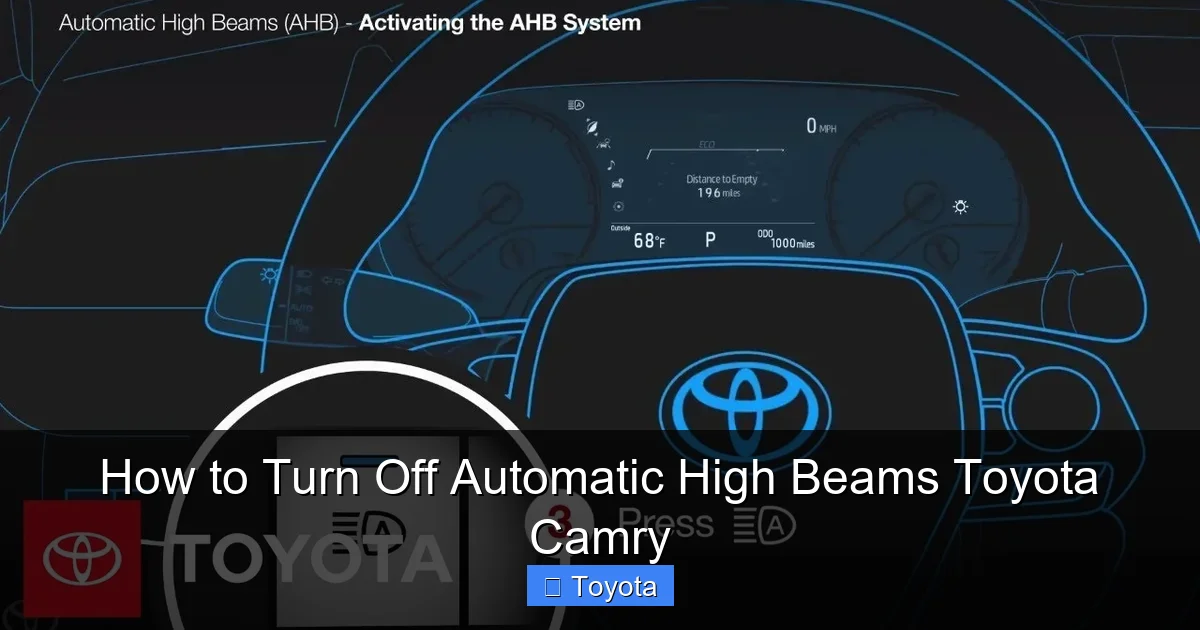
If you want to know how to turn off automatic high beams Toyota Camry, the process is usually quick and easy. You can switch the feature off from the lighting controls or driver settings, depending on your Camry model year. This guide shows you the steps, common issues, and what to do if the system keeps turning back on.
How to Turn Off Automatic High Beams Toyota Camry
If you drive a Toyota Camry, you may have noticed the high beams turning on by themselves at night. That is the automatic high beam feature. It can be helpful on dark roads, but it is not always what you want. Maybe the roads are busy. Maybe the lights keep switching too often. Or maybe you just prefer full control.
That is why many drivers look up how to turn off automatic high beams Toyota Camry. The good news is that it is usually simple. In most cases, you can disable the feature in just a few steps. The exact method can change a little by model year, but the idea is the same. You find the light control, turn off the auto setting, and confirm the change.
In this guide, we will walk through the process in plain language. We will also cover common problems, model differences, and a few useful tips. If you want a smoother drive at night, this will help.
Key Takeaways
- Automatic high beams can be turned off: Most Toyota Camry models let you disable the feature with a simple stalk or menu setting.
- Model year matters: The exact steps for how to turn off automatic high beams Toyota Camry can change a bit by trim and year.
- You may need to use the lighting stalk: On many Camry models, the auto high beam icon must be switched off manually.
- Settings can reset: Some drivers find the feature turns back on after restarting the car, so check your settings carefully.
- Sensor issues can affect behavior: Dirt, rain, or a blocked windshield sensor can make the system act strange.
- Manual control is always an option: If needed, you can use your high beams the old-fashioned way.
- Safety still matters: Turning off automatic high beams does not turn off your headlights or other safety systems.
📑 Table of Contents
What Automatic High Beams Do
A simple safety feature
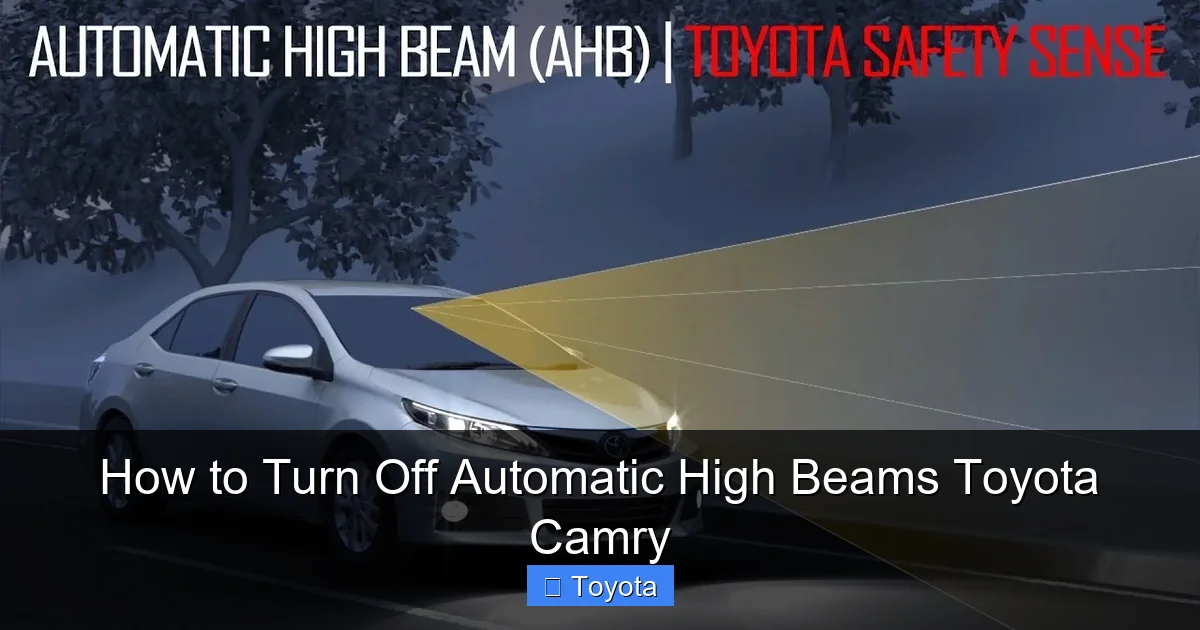
Automatic high beams are part of Toyota’s lighting system. They use a front camera or sensor to watch the road. When the system thinks the road is dark and clear, it turns the high beams on. When it sees lights from other cars, it turns them off.
This can be very useful on country roads or empty streets. You do not have to keep flipping the beam switch. The car does it for you. But not every driver likes that. Some people want to control the lights themselves. Others find the system too sensitive.
Why some drivers turn it off
There are a few common reasons people search for how to turn off automatic high beams Toyota Camry. Some drivers do not like the delay. Others feel the lights switch too often in traffic. Some simply want the car to stop making decisions for them.
If that sounds like you, you are not alone. Many Toyota owners prefer manual control, especially in city driving. The feature is useful, but it is not for everyone.
How to Turn Off Automatic High Beams Toyota Camry
Check the headlight stalk first
On many Camry models, the easiest way to turn off automatic high beams Toyota Camry is to use the headlight stalk on the left side of the steering wheel. This is the same stalk you use for turn signals and lights.

Visual guide about How to Turn Off Automatic High Beams Toyota Camry
Image source: pictures.dealer.com
Look for the auto high beam symbol on the stalk or nearby lighting control. If the system is active, the indicator light on the dash may be on. To turn it off, move the stalk or switch to the normal headlight setting. In many cases, this disables the auto feature right away.
If your Camry has a button or switch tied to the lighting system, press it until the auto high beam icon turns off. You may need to check the owner’s manual for the exact symbol.
Use the vehicle settings menu
Some newer Camry models let you adjust lighting features through the screen in the dash or infotainment system. If the stalk method does not work, open the settings menu and look for lighting, driver assist, or convenience settings.
From there, find the auto high beam option and switch it off. This is one of the most common answers to how to turn off automatic high beams Toyota Camry on newer trims. The wording may be slightly different, but the setting is usually easy to spot once you know where to look.
Confirm the indicator is off
After you change the setting, look at the dashboard. The auto high beam icon should disappear or change color. If it stays on, the system may still be active.
Take a short drive at night if you can. That is the best way to confirm the change. When the system is off, your high beams should only turn on when you control them manually.
Camry Model Differences You Should Know
Older Camry models may be simpler
On older Toyota Camry models, how to turn off automatic high beams Toyota Camry may be very straightforward. You may only need to move the light switch into a different mode. There may be fewer menu options and fewer icons to check.
Visual guide about How to Turn Off Automatic High Beams Toyota Camry
Image source: i.ytimg.com
If your Camry is older, do not worry if the system looks basic. That often makes the process easier, not harder. A quick look at the headlight control is usually enough.
Newer Camry models may use more tech
Newer models may connect automatic high beams to other driver assist features. That means the setting may be tucked inside a menu instead of sitting on the stalk. If you do not see an obvious switch, check the vehicle settings on the center screen.
For drivers who are also learning about other Camry systems, it can help to read related guides like how to turn off lane assist on a Toyota Camry or how to turn off steering assist in a Toyota Camry. Toyota often groups these features in similar menu areas.
Trim levels can change the controls
Not every Camry trim has the same equipment. A base model may have a simple light switch. A higher trim may include more advanced driver assistance. That is why the steps for how to turn off automatic high beams Toyota Camry can vary a little from one car to another.
If you are not sure which controls your car has, check the owner’s manual. It will show the exact button, icon, or menu path for your trim.
What to Do If the Auto High Beams Won’t Turn Off
Check for a blocked sensor
If the system seems stuck, the camera or sensor may be blocked. Dirt, snow, fog, or even a sticker on the windshield can affect how the system works. Clean the windshield area near the rearview mirror and make sure nothing is in the way.
Sometimes, the system acts up because it cannot “see” clearly. In that case, cleaning the area can help. If you want more help with that part of the car, see how to clean the pre-collision sensor on a Toyota Camry. The same idea applies here: a clean sensor area helps the system work better.
Restart the car
Some settings do not fully update until the car is turned off and restarted. If you changed the setting but the lights still act the same, park safely, shut the car off, and start it again.
This simple reset often fixes small software glitches. It is a good first step before you assume something is broken.
Check the owner’s manual
When in doubt, the owner’s manual is your best friend. It will explain exactly how to turn off automatic high beams Toyota Camry for your model year. It may also show the dash icon, the stalk position, and any menu options.
If the manual is missing, you can often find a digital copy online through Toyota support or your dealer’s website.
Manual Control vs Automatic High Beams
When manual control is better
There are times when manual high beam control makes more sense. For example, in heavy traffic, the auto system may switch too often. In areas with streetlights, you may not need high beams at all. And in some weather, you may want full control over your lighting.
Turning off the feature does not remove your ability to use high beams. It just puts you in charge. That is a good option for drivers who know their route and want less system input.
When auto high beams can still help
Even if you turn them off most of the time, automatic high beams can still be useful on long, dark roads. They can help you see farther without constant switch use. That can reduce fatigue on night drives.
So, think of the system as a tool. You do not have to use it every day. But it is there if you need it.
Balance comfort and safety
The key is balance. If the feature feels annoying, turn it off. If you later want to use it again, you can switch it back on. Toyota designed it to be flexible.
That is why learning how to turn off automatic high beams Toyota Camry is useful. It gives you control without taking away the option to use the feature later.
Practical Tips for a Better Night Drive
Keep the windshield clean
A clean windshield helps the camera and sensors work well. Dirt and film can confuse the system. Wipe the glass often, especially near the mirror area.
Use the right light setting for the road
If you are driving in the city, low beams are often enough. On dark highways, high beams can help. Just remember to dim them for oncoming traffic. Even if you know how to turn off automatic high beams Toyota Camry, good light habits still matter.
Watch for unusual behavior
If the system turns on and off too much, check for weather, dirt, or sensor issues. A little troubleshooting can save time. If the problem keeps coming back, a dealer visit may be worth it.
Also, if you are learning more about Toyota safety systems, you may find it useful to read about how to turn off the Toyota pre-collision system. Many of these features work together, so understanding one can help with the others.
Conclusion
Learning how to turn off automatic high beams Toyota Camry is a small job, but it can make a big difference in how your car feels at night. Some drivers love the feature. Others want full control. Both choices are fine.
The process is usually simple. Check the light stalk first. Then look in the vehicle settings if needed. Make sure the indicator goes off, and test the lights on a short drive. If the system still acts strange, clean the sensor area and restart the car.
Once you know the steps, you can change the setting any time you want. That is the best part. You get to drive the way that feels right for you.
Frequently Asked Questions
How do I know if automatic high beams are on in my Toyota Camry?
Look for the auto high beam icon on the dashboard. It usually shows a headlight symbol with an “A” or a similar mark. If the light is on, the feature is active.
Can I turn off automatic high beams without affecting my regular headlights?
Yes, you can. Turning off automatic high beams Toyota Camry only disables the auto function. Your normal headlights still work, and you can use high beams manually when needed.
Why do my automatic high beams keep turning back on?
Some Camry models may restore the setting after a restart or after certain drive modes change. If that happens, check the menu again and confirm the setting stayed off. A sensor issue can also cause odd behavior.
Do all Toyota Camry models have automatic high beams?
No, not all of them do. The feature depends on the model year and trim level. If you are not sure, check your owner’s manual or the lighting controls in your car.
Can dirt on the windshield affect automatic high beams?
Yes, it can. The camera needs a clear view to work right. Dirt, fog, snow, or stickers near the sensor area can cause the system to act strangely.
Is it safe to drive with automatic high beams turned off?
Yes, it is safe as long as you use your headlights correctly. You will just need to manage your high beams yourself. Many drivers prefer this because it gives them more control in traffic and city driving.


