Manual Gearbox Car Parking Apk Download
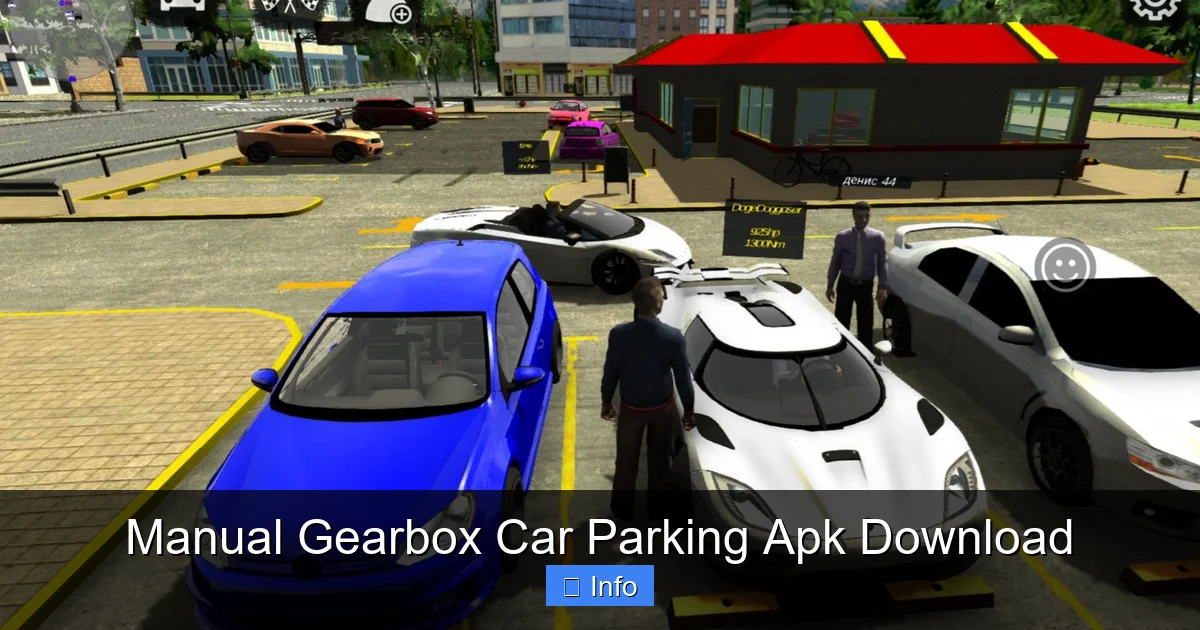
If you’re searching for a manual gearbox car parking apk download, you want realistic simulation on Android. This article covers safe download methods, key features to look for, and tips to master manual gearbox parking controls quickly.
Car parking games have become a favorite pastime for mobile users who love driving simulations. Among these, manual gearbox car parking apk download searches are rising rapidly. Why? Because manual transmission adds a layer of realism that automatic modes simply can’t match. When you feel the clutch engage and shift gears manually, every parking maneuver becomes a test of skill and patience. In this complete guide, we’ll walk you through everything you need to know about finding, downloading, and mastering a manual gearbox car parking APK on your Android device. From safe download practices to in-game tips, we’ve got you covered.
Many Android users search for this specific type of APK because it simulates real driving conditions. Manual gearbox controls require you to coordinate the clutch, shift lever, and accelerator simultaneously. This mental and physical coordination makes parking challenges more engaging. Whether you’re a seasoned gamer or a curious beginner, understanding the mechanics behind these games can improve your overall driving skills. In the following sections, you’ll discover how to identify legitimate APK files, install them without risk, and use effective techniques to park like a pro.
We’ll also explore the most important features to look for in a quality parking simulator, ensuring your gaming experience is both fun and authentic. By the end of this article, you’ll have a clear roadmap to enjoy manual gearbox car parking games safely and skillfully.
Key Takeaways
- Point 1: Understand the difference between automatic and manual gearbox controls in parking simulators for a more realistic driving experience.
- Point 2: Always download APK files from trusted sources to avoid malware and ensure the latest game updates.
- Point 3: Look for customizable control settings that let you adjust clutch sensitivity and gear shift timing to match your playing style.
- Point 4: Practice in open parking zones first to get comfortable with manual gear transitions before attempting tight space maneuvers.
- Point 5: Check user reviews and ratings before installing any car parking APK to gauge performance and stability.
- Point 6: Keep your Android system updated and enable unknown sources only temporarily during installation for security.
- Point 7: Use a gamepad or keyboard with proper mapping for smoother manual gearbox operation compared to on-screen touch controls.
📑 Table of Contents
Why Gamers Love Manual Gearbox Car Parking Simulators
Realism Through Manual Transmission
The primary reason gamers seek out a manual gearbox car parking apk download is the authentic feel it provides. Unlike automatic modes, manual transmission forces you to think about gear ratios, engine RPM, and timing. Each gear shift requires attention, which mirrors real-world driving. This heightened sense of realism transforms a simple parking task into an immersive driving experience. Players often report that mastering manual controls gives them a greater sense of accomplishment after successfully parking in tight spots.
Just as real-world parking has standard dimensions, referring to the standard car parking size in India in feet can help you appreciate the scale of parking challenges in your favorite simulator.
Skill Development and Challenge
Manual gearbox parking games are designed to test your coordination and spatial awareness. You must manage the clutch pedal, gear stick, and steering wheel all at once. This multi-tasking exercise sharpens your reflexes and helps you understand vehicle dynamics better. For many, the challenge itself is the reward. Beating a difficult parking level with manual controls feels more satisfying than doing the same with automatic transmission. The learning curve is steep, but the progress you make is tangible and rewarding.
Community and Competition
Online communities around manual gearbox simulators are active and supportive. Gamers share tips, tricks, and videos of their best parking maneuvers. Leaderboards and time trials add a competitive edge, encouraging players to refine their skills further. This social aspect keeps the gameplay fresh and motivates continuous improvement. If you enjoy challenging yourself against others, manual gearbox parking games offer plenty of opportunities to compete and connect.
Key Features of a Quality Manual Gearbox Parking APK
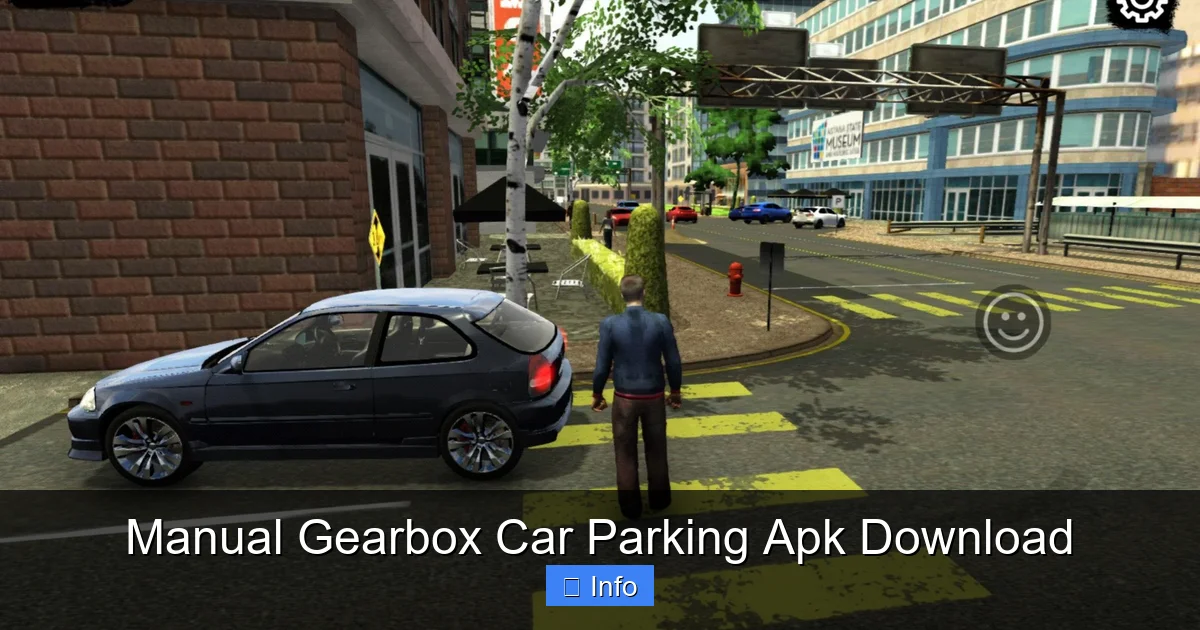
Visual guide about Manual Gearbox Car Parking Apk Download
Image source: image.winudf.com
Realistic Physics Engine
A great parking simulator relies on a robust physics engine that accurately represents vehicle weight, momentum, and tire grip. When you shift gears manually, the physics should respond naturally to your inputs. Look for APKs that boast real-time tire friction, weight transfer during acceleration, and realistic braking distances. These details make the difference between a game that feels arcade-like and one that feels like you’re actually driving a manual transmission vehicle.
Customizable Control Settings
Every player has different preferences for how they interact with the game. Quality manual gearbox car parking APK downloads offer customizable controls, allowing you to adjust clutch sensitivity, gear shift timing, and button mapping. Some games even let you choose between on-screen touch controls, tilt steering, or external gamepad support. Being able to tailor the controls to your play style reduces frustration and improves performance. Always check the settings menu before starting a new game.
Varied Parking Environments
Variety keeps the gameplay exciting. The best APKs include multiple environments such as underground parking lots, narrow city streets, crowded shopping mall areas, and open terrain each with unique challenges. Some levels require reverse parking, parallel parking, or perpendicular parking into designated spots. Dynamic obstacles like moving cars, cones, and pedestrians add further complexity. A diverse range of scenarios ensures you won’t get bored quickly and can practice different parking techniques.
Progression and Reward Systems
Engaging progression systems keep you motivated to improve. Many manual gearbox parking APKs feature level unlocks, in-game currency, and vehicle upgrades. Earning new cars or customization options gives you goals to work toward. Some games also include daily challenges and streak rewards that encourage regular play. A well-designed reward system balances difficulty with achievable milestones, preventing the experience from feeling too easy or impossibly hard.
Safe Downloading Practices for APK Files
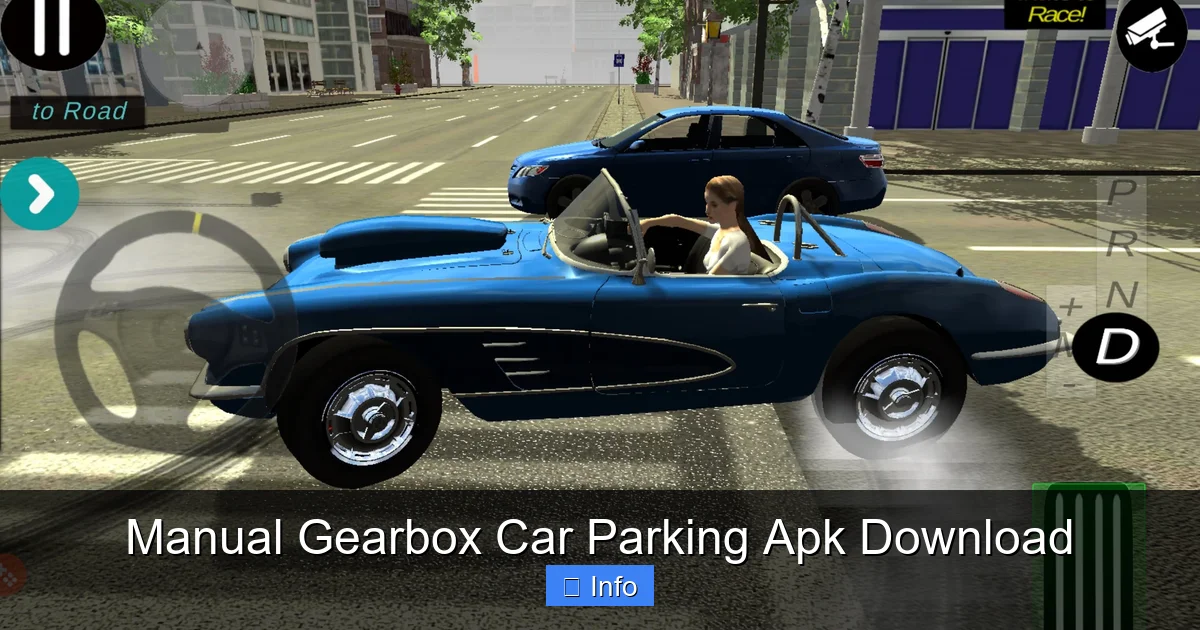
Visual guide about Manual Gearbox Car Parking Apk Download
Image source: image.winudf.com
Verify Source Credibility
The most important rule when looking for a manual gearbox car parking apk download is to use trusted sources only. Avoid third-party websites that promise free premium features, as these often host modified files containing malware. Stick to official app stores when possible, or reputable gaming forums with verified user reviews. If you must download from a external site, check the file’s hash value against the developer’s published checksum to ensure integrity.
Check User Reviews and Ratings
Before installing any APK, take a moment to read user reviews and rating comments. Genuine users often report issues like installation failures, excessive permissions, or suspicious battery drain. A high rating with detailed feedback is a good sign, but be wary of games with many perfect reviews and no constructive comments. These could be red flags for low-quality or unsafe files.
Internal Resource
If you’re exploring other car simulator options, you might find this car simulator Vietnam APK obb free download guide helpful for comparing different Android driving games and understanding safe download practices across different titles.
Enable Unknown Sources Temporarily
Android requires you to enable ‘Unknown Sources’ or ‘Install unknown apps’ to install files outside the Google Play Store. Do this only for the specific APK you’re installing, and disable the setting immediately after the installation completes. Leaving this option on permanently increases your device’s vulnerability to malicious software. Always scan the downloaded file with a reputable antivirus scanner before tapping the install button.
Step-by-Step Installation Guide for Manual Gearbox Parking APK
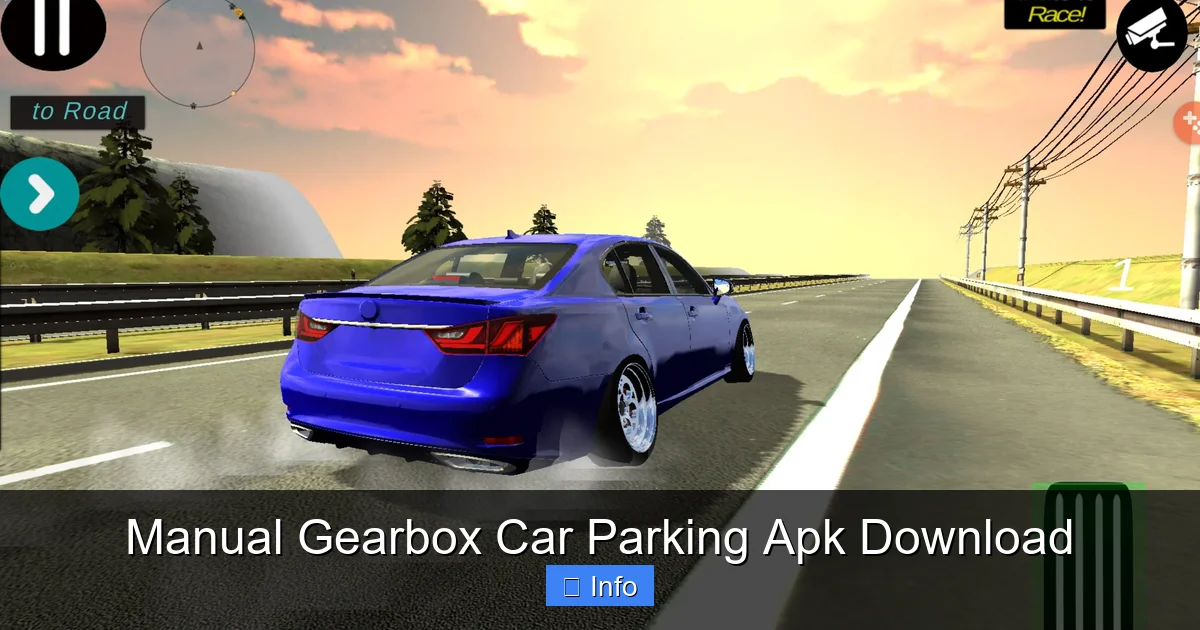
Visual guide about Manual Gearbox Car Parking Apk Download
Image source: image.winudf.com
Prepare Your Android Device
Before you begin, ensure your Android device has sufficient storage space and is running a compatible operating system version. Most manual gearbox car parking APKs require Android 5.0 or higher, but checking the app’s requirements prevents compatibility issues. Free up space by deleting unused apps, photos, or files. A stable internet connection is also recommended for downloading any OBB data files that accompany the main APK.
Download the APK and OBB Files
Many car parking APKs use OBB files to store high-resolution graphics, sound effects, and additional game data. After downloading the main APK file, locate the corresponding OBB file from the same source. Both files must be placed in the correct directories for the game to launch properly. Typically, the APK goes in your downloads folder, while the OBB file is extracted to the Android/obb/\[package name\]/ folder on your device’s internal storage.
Install the APK File
Find the downloaded APK file using your file manager and tap on it to begin installation. You may see a prompt asking for permission to install the app from this source. Accept the permission, and the installation process will commence. Wait for the progress bar to complete, then click ‘Open’ or ‘Done’ to exit the installer. Do not interrupt the process, as a corrupted installation can lead to app crashes or failed launches.
Place the OBB File Correctly
After APK installation, navigate to your device’s internal storage and create the folder path Android/obb/ if it doesn’t already exist. Inside, create a folder named after the game’s package identifier, usually found in the app’s description or website. Move the downloaded OBB zip file into this folder, ensuring it’s not renamed or extracted beyond the standard structure. Once in place, the game should recognize the data on its next launch.
Launch and Configure Controls
Open the game from your app drawer. The first launch may take a few moments as the system extracts OBB data. Once the main screen appears, head to the settings menu to configure your control layout. Select manual gearbox mode, adjust clutch sensitivity, and map gear shift buttons to your preference. Save your settings and start with the tutorial level to familiarize yourself with the controls.
Mastering Manual Gearbox Parking Techniques
Clutch Control Basics
Understanding clutch control is the foundation of manual gearbox parking. In simulation games, the clutch engages the engine power to the wheels. Release the clutch too quickly, and the car may lurch forward or stall. Press it fully when coming to a stop, and find the biting point for smooth starts. Practice this motion repeatedly until it becomes muscle memory, especially before attempting tight parking maneuvers.
Gear Shift Timing and RPM Awareness
Each gear has an optimal RPM range for shifting up or down. Watch the tachometer or engine sound cues within the game to determine the right moment. Shifting too early can cause the engine to struggle, while shifting too late may over-rev and lose control. For parking, low gears (1st and 2nd) provide better precision at slow speeds, which is essential for navigating confined spaces and aligning your vehicle accurately.
Spatial Awareness and Reference Points
Successful parking relies heavily on spatial awareness. Use in-game reference points such as side mirror alignments, curb lines, and distance markers to gauge your position. Many experienced players imagine invisible lines connecting the vehicle’s corners to parking space boundaries. Developing these mental reference points reduces guesswork and helps you park straight or parallel with confidence.
Practice Drills for Improvement
Like any skill, manual gearbox parking improves with deliberate practice. Start with open, empty parking lots to get a feel for clutch engagement and gear shifts without pressure. Once comfortable, progress to levels with cones, other vehicles, and tighter dimensions. Set specific goals for each session, such as completing a parallel park within three attempts or reversing into a spot without touching boundaries. Consistent practice builds the coordination needed for flawless execution.
Enhancing Your Gaming Experience
Using Gamepads and External Controllers
While on-screen touch controls work, many enthusiasts prefer using a gamepad or external controller for smoother manual gearbox operation. Controllers provide physical buttons for clutch and gear shift, which mimic real vehicle controls more accurately. This setup reduces finger fatigue and improves precision, especially during long gaming sessions. Connect your controller via Bluetooth or USB, then configure the button mapping in the game’s settings menu for optimal performance.
Customizing Graphics and Performance Settings
To enjoy fluid gameplay, adjust the graphics quality based on your device’s capabilities. High-resolution textures and realistic shadows demand more RAM and GPU power, which can cause lag on older phones. Lowering graphics settings while keeping control sensitivity high often provides the best balance between visual fidelity and smooth performance. Some games also offer frame rate options, allowing you to prioritize responsiveness over visual details.
Internal Resource
For those curious about modified features, the ultimate car driving simulator hack mod apk offers additional customization, though we always recommend sticking to official versions for the safest experience. Modded APKs can unlock premium cars, remove ads, or provide unlimited in-game currency, but they may also violate terms of service or introduce security risks. If you choose to explore modded versions, download only from well-known community forums and scan files for malware before installation.
Joining Online Communities for Tips
The gaming community is a valuable resource for improving your manual gearbox parking skills. Forums, YouTube tutorials, and social media groups dedicated to car simulators share walkthroughs, control configurations, and level-specific strategies. Engaging with these communities exposes you to diverse techniques and helps you discover shortcuts or hidden features. Don’t hesitate to ask questions or share your own progress—many players are eager to help newcomers grow.
Conclusion
Manual gearbox car parking APK downloads offer a unique blend of challenge, realism, and skill development for Android driving enthusiasts. By understanding the mechanics of manual transmission, choosing quality APKs from trusted sources, and practicing effective parking techniques, you can transform ordinary parking levels into rewarding masterpieces of virtual driving. Remember to prioritize safety by verifying file sources, reading user reviews, and keeping your device’s security settings up to date. With the tips and insights shared in this guide, you’re well-equipped to enjoy hours of engaging gameplay while developing real-world driving awareness. Start your manual gearbox parking journey today, and experience the thrill of perfecting every park with precision and confidence.
Frequently Asked Questions
Is it safe to download manual gearbox car parking APKs from third-party websites?
Downloading from unverified sources carries risks, as these files may contain malware or modified code that compromises your device’s security. Always prioritize official app stores or well-known gaming platforms with user verification. If you must use third-party sites, check user reviews, scan files with antivirus software, and look for published checksums to confirm file integrity.
What should I do if the APK fails to install on my Android device?
Installation failures often result from insufficient storage, incompatible Android versions, or corrupted download files. Ensure your device has at least 100MB of free space and runs Android 5.0 or higher. Re-download the APK from the original source, and verify that the OBB file is placed in the correct Android/obb directory before attempting installation again.
Can I use a keyboard and mouse to play manual gearbox parking games on Android?
Yes, many Android devices support keyboard and mouse connections via USB OTG adapters or Bluetooth peripherals. However, not all games fully optimize controls for this setup. Check the game’s settings for customizable key mapping, and consider using a gamepad for the most seamless manual gearbox experience. Some titles may require additional configuration apps to map keyboard keys to in-game clutch and gear functions.
How do I transfer my game progress when switching to a new Android phone?
Game progress transfer depends on whether the APK supports cloud saving or uses local storage. If the game offers Google Play Games integration, your achievements and levels may sync automatically to your new device. For APKs without cloud support, you can manually copy the OBB and data folders from the internal storage to the new phone, then reinstall the APK and place the files in the same directory paths.
What are the best settings for clutch sensitivity in manual gearbox parking simulators?
Ideal clutch sensitivity varies by personal preference and device responsiveness. Start with a medium sensitivity setting, which provides a balance between quick gear changes and smooth power delivery. Adjust the slider toward lower sensitivity if you experience accidental gear engagements, or increase it if you want sharper, more responsive shifts. Testing different levels in early parking levels helps you find the sweet spot for your playing style.
Do manual gearbox parking APKs require an internet connection to play?
Most single-player parking levels can be enjoyed offline once the APK and OBB files are fully installed and extracted. However, some features like leaderboards, daily challenges, and in-app purchases typically require an active internet connection. Check the game’s description or settings menu to confirm which functions need online access and which work perfectly in offline mode.