
Where Is the Smart Key Holder in a Hyundai Elantra
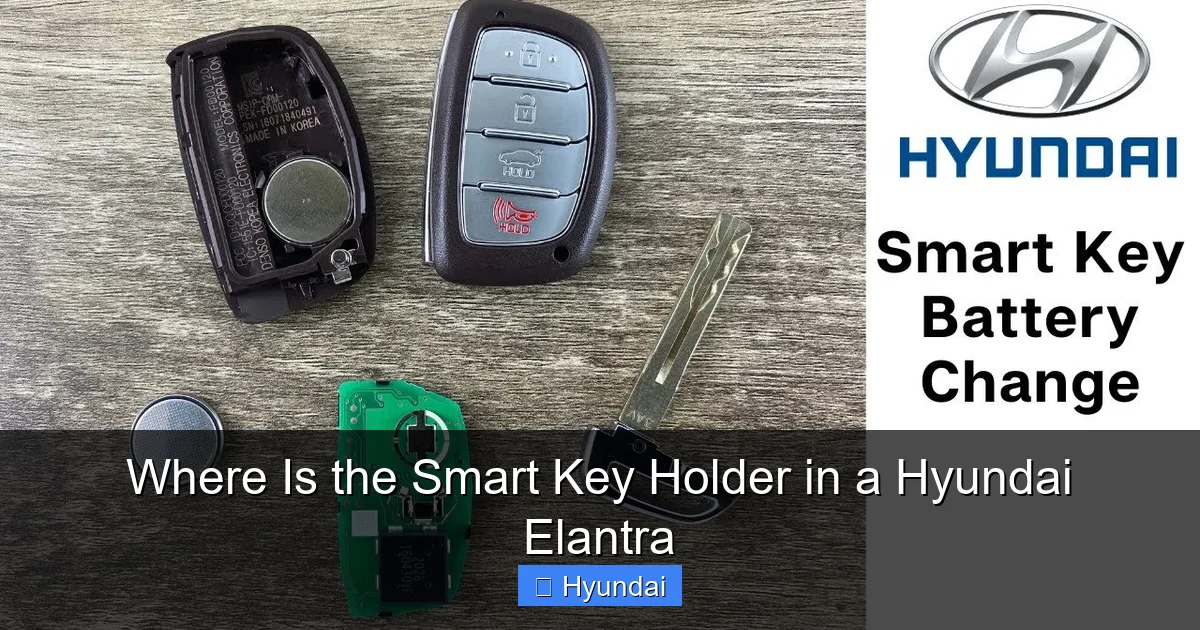
The smart key holder in a Hyundai Elantra is a small backup slot used when your key fob battery is weak or dead. It is usually found inside the cabin near the center console or cup holder area, depending on the model year. This guide explains where to find it, how to use it, and what to do if your Elantra still will not start.
Key Takeaways
- Point 1: The smart key holder is a backup spot that lets you start the Hyundai Elantra when the key fob battery is low.
- Point 2: In many Elantra models, it is located near the center console, cup holders, or a marked wireless charging area.
- Point 3: You do not always need to insert the key deeply; many models only need the fob placed in the holder area.
- Point 4: If the car will not recognize the key, the issue may be the fob battery, the holder position, or a weak 12-volt battery.
- Point 5: The smart key holder is different from the regular key slot found in older cars.
- Point 6: Learning the holder’s location before an emergency can save time and stress later.
- Point 7: If the system still fails, a dealership or locksmith can help diagnose the problem safely.
📑 Table of Contents
- Where Is the Smart Key Holder in a Hyundai Elantra?
- What the Smart Key Holder Actually Does
- Where to Find the Smart Key Holder in a Hyundai Elantra
- How to Use the Smart Key Holder the Right Way
- What to Do If the Smart Key Holder Is Not Working
- How the Smart Key Holder Differs from Older Key Slots
- Practical Tips for Hyundai Elantra Owners
- When to Get Help from a Professional
- Conclusion
Where Is the Smart Key Holder in a Hyundai Elantra?
If you drive a Hyundai Elantra, you may have heard about the smart key holder and wondered where it is. That is a fair question. Many drivers only think about it when the key fob battery gets weak or the car refuses to start. At that moment, knowing the exact spot can save a lot of time.
So, where is the smart key holder in a Hyundai Elantra? In most models, it is inside the cabin near the center console area. Depending on the year, it may be in or around the cup holders, under the wireless charging pad, or in a marked slot close to the gear shifter. The exact location can vary a little by trim and model year, but the idea is the same. It is a backup place where the car can detect the smart key and allow the engine to start.
This guide breaks it all down in simple language. You will learn where to look, how to use the smart key holder, and what to do if the key is not working. If you have ever asked yourself, “Where is the smart key holder in a Hyundai Elantra?”, you are in the right place.
What the Smart Key Holder Actually Does
A backup for a weak key fob
The smart key holder is not there for everyday use. It is a backup feature. If your key fob battery is low or dead, the car may not detect the fob from the usual distance. The holder gives the system a close-range way to read the key and let you start the car.
This is very helpful because modern push-button start systems depend on a signal from the fob. When that signal is weak, the holder acts like a rescue point. You place the fob in the right area, and the car can often start normally.
Why Hyundai uses this system
Hyundai designed the smart key holder to keep drivers from being stranded by a simple battery issue. It is a smart and easy fix. Instead of needing a metal key slot like older cars, the Elantra uses electronic detection. That means the car can still recognize the fob even when the battery inside it is not strong enough for normal remote use.
If you want to understand more about similar backup key systems, you may also find this guide useful: where the Toyota smart key deactivation switch is located. It is a different system, but the idea of smart key backup features is very similar.
Where to Find the Smart Key Holder in a Hyundai Elantra
Common location in most Elantra models
In many Hyundai Elantra models, the smart key holder is near the center console. Look around the area between the front seats. Check near the cup holders, the gear shifter, and the wireless charging pad if your car has one. Some models have a clearly marked spot or tray where the key fob should sit.
In some Elantra trims, the holder is built into a small pocket or tray. In others, it may simply be a zone where you place the fob flat. The key point is that the car needs the fob to be very close to the start system.
How to identify it quickly
Look for symbols or labels near the center console. Some cars have a key icon, a wireless charging icon, or a small marked area that shows where the fob should go. If you see a shallow tray or a special rubber pad, that may be the holder.
If you are not sure, check your owner’s manual. Hyundai usually shows the exact location for your model year. This is the fastest way to avoid guessing.
Model year differences matter
The smart key holder in a Hyundai Elantra is not always in the same exact place in every year. Older models may have a different layout than newer ones. A 2017 Elantra, for example, may not have the same center console design as a 2023 Elantra. That is why it helps to know your model year before searching.
As with other car features, the layout can shift over time. For example, some owners search for parts or switches like the battery location in a Dodge Charger or a backup feature in another brand, only to find that the answer depends heavily on the exact year and trim. The same is true here.
How to Use the Smart Key Holder the Right Way
Step-by-step starting method
If your Elantra does not detect the key fob, try this simple process:
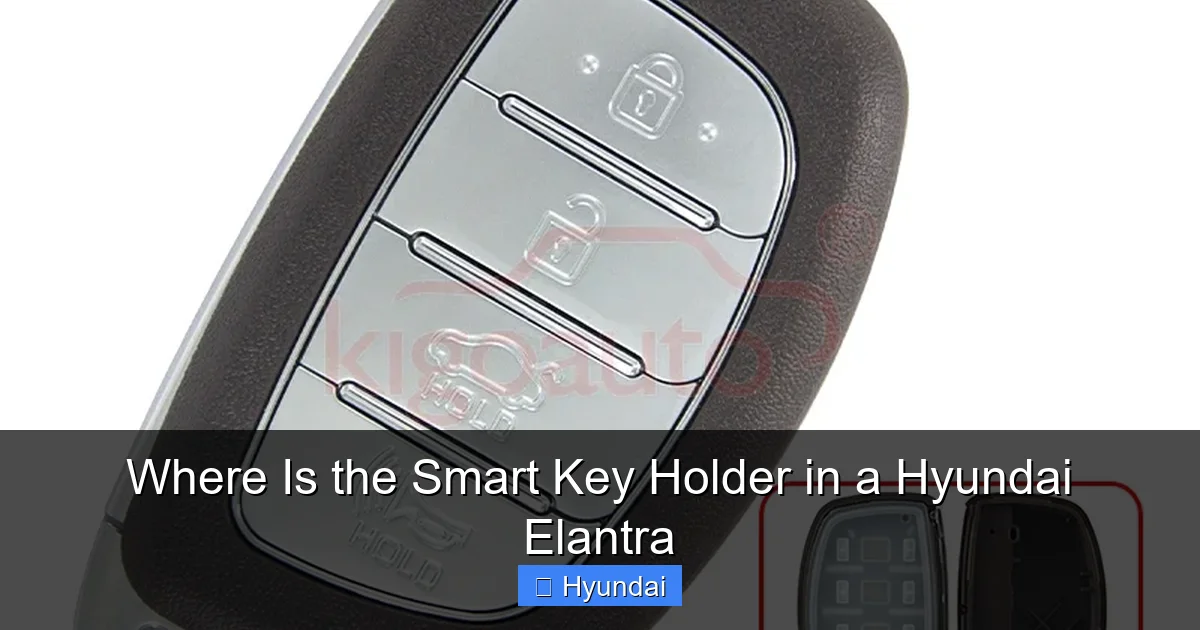
Visual guide about Where Is the Smart Key Holder in a Hyundai Elantra
Image source: ueeshop.ly200-cdn.com
- Take the key fob and bring it into the cabin.
- Place it in the smart key holder or the marked backup area.
- Keep your foot on the brake pedal.
- Press the start button.
- Wait for the engine to start.
In many cases, that is all it takes. The car reads the fob at close range and starts normally. If the first try does not work, remove the fob and place it again. Make sure it sits in the correct spot.
Do not force the fob
You do not need to shove the key fob into a tight slot. Most Hyundai Elantra smart key holders are meant for simple placement, not force. If it feels like you are forcing it, stop and check the manual. The holder may be a flat detection zone instead of a deep pocket.
Keep the fob oriented properly
Sometimes the fob needs to face a certain direction. If your Elantra does not respond, turn the fob over and try again. Small changes in position can matter. This is especially true when the battery inside the fob is very weak.
What to Do If the Smart Key Holder Is Not Working
Check the key fob battery first
The most common problem is a dead or weak key fob battery. If your Elantra is acting up, replace the battery in the fob first. That often solves the issue right away. A weak battery can still work sometimes, but it may fail when you need it most.
If you want a similar battery-related guide, this one may help: how to change the battery in a Mazda CX-5 key fob. The exact steps differ, but the basic idea is the same for many smart keys.
Check the 12-volt battery
If the key fob battery is fine, the problem may be the car’s 12-volt battery. A weak vehicle battery can cause all kinds of strange issues, including poor key detection. If the dash lights look dim or the car clicks but will not start, the 12-volt battery may be the real problem.
This is a common issue in many cars, not just Hyundai. In some cases, the problem is similar to what drivers see when dealing with battery-related starting issues in other vehicles, like a Kia after the battery is disconnected.
Look for interference
Other electronic devices can sometimes interfere with the signal. Keep phones, metal objects, and other key fobs away from the smart key holder area while starting the car. Also, make sure the fob is not damaged by water or impact.
Try the spare key
If you have a spare key fob, test it. If the spare works, then the problem is likely the original fob battery or internal damage. If neither key works, the issue may be in the car itself.
How the Smart Key Holder Differs from Older Key Slots
No metal key turn is needed
Older cars often had a physical key slot where you inserted a metal key and turned it. The Hyundai Elantra smart key holder is different. It is part of a push-button start system. The car does not need you to turn a key. It only needs to detect the smart fob close enough to read it.
It is more convenient
This system is easier for daily use. You can keep the key in your pocket or bag and start the car with one button. The holder is only there as a backup. That means less wear and less hassle in normal driving.
It is still important to know where it is
Even though you may rarely use it, the smart key holder is important. If the fob battery dies at the wrong time, you need to know where to place the key. That is why it is smart to learn the location before you need it.
Knowing your car’s backup systems is just as useful as knowing other basic details, such as what tires come on a Hyundai Elantra. Small bits of information can make ownership much easier.
Practical Tips for Hyundai Elantra Owners
Learn the location now, not later
Do not wait until the key fob dies. Sit in your Elantra and find the smart key holder now. That way, you will not panic during an emergency. A quick five-minute check today can save you a lot of stress later.
Replace the fob battery on time
If your key fob starts working less often, replace the battery soon. Do not wait for it to fail completely. Signs of a weak battery may include shorter range, delayed response, or the need to press buttons more than once.
Keep the owner’s manual handy
The manual is the best source for your exact model year. It will show the smart key holder location, the correct starting method, and any special notes for your trim. If you bought the car used and do not have the manual, you can often find a digital copy online.
Test it once in a while
If you want peace of mind, test the backup start method once in a while. You do not need to do it often. Just make sure you know how it works. That way, if the battery dies later, you will already know what to do.
When to Get Help from a Professional
If the car still will not start
If you have tried the smart key holder and the car still will not start, it may be time for help. The issue could be the fob, the car battery, the start button system, or the immobilizer. A trained technician can check all of these quickly.
If the holder area looks damaged
Sometimes the console area gets damaged, dirty, or blocked by objects. If the holder area looks broken or the markings are worn off, a dealer or locksmith can help confirm the correct spot. They can also check for electrical issues.
If the key fob is not recognized at all
When neither the normal remote function nor the backup holder works, the fob may need repair or replacement. In that case, it is better to fix it before you get stuck somewhere inconvenient.
Conclusion
So, where is the smart key holder in a Hyundai Elantra? In most models, it is located near the center console, cup holders, gear shifter, or a marked tray close to the wireless charging area. It is a backup feature made to help you start the car when the key fob battery is weak or dead.
The good news is that the system is simple once you know where to look. Find the holder now, learn how to place the fob, and keep an eye on your key battery. That way, you will be ready if your Elantra ever needs the backup start method.
If your car still gives you trouble after using the smart key holder, do not panic. Check the fob battery, the 12-volt battery, and the owner’s manual. If needed, get help from a Hyundai dealer or a trusted locksmith. A little preparation goes a long way.
Frequently Asked Questions
What is the smart key holder in a Hyundai Elantra?
It is a backup spot that helps the car detect your key fob when the battery is low. You place the fob there so the Elantra can still start.
Is the smart key holder in the same place on every Hyundai Elantra?
No, the exact location can change by model year and trim. It is usually near the center console, cup holders, or gear shifter area.
Do I need to insert the key fob into the holder?
Not always. Some Elantra models only need the fob placed in the marked area. Others may have a small slot or tray, so check your owner’s manual.
Why won’t my Hyundai Elantra start even with the key in the holder?
The key fob battery may be dead, the car battery may be weak, or the fob may not be in the right position. Try the spare key and check the vehicle battery too.
Can I drive my Elantra if the smart key battery is dead?
Yes, in many cases you can still start the car using the smart key holder. After that, you should replace the key fob battery as soon as possible.
Where should I check first if I cannot find the smart key holder?
Start with the center console area near the front seats. Then check the cup holders, wireless charging pad, and the owner’s manual for your exact model year.


